1
Article Download Options
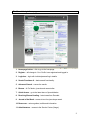
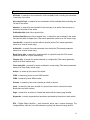
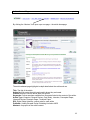
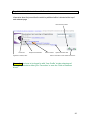
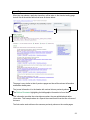
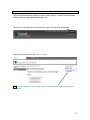
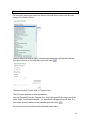
To the right of each abstract page the user will find the ‘Document Options’. From here
the user can download the article in PDF and/or HTML where available.
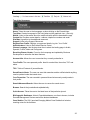
View the article in HTML.
View the article in PDF.
View the article references.
View related articles.
View further reading linked with the article.
Add the article to a Marked List (See page 24).
Use social media to promote/highlight and link the article
to social networking sites such as LinkedIn, Twitter and
Facebook.
Options and information about permissions for reproducing
the article and copyright impact.
Remember the user can only download in PDF format if they have the software
available.
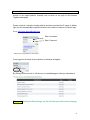
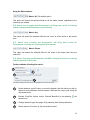
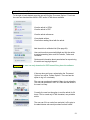
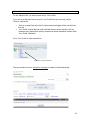
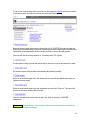
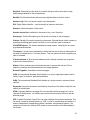
If the user does not have a subscription the ‘Document
Options’ box will be ‘Fulltext Options’. The user has the
option to log in if not already.
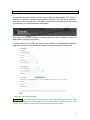
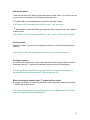
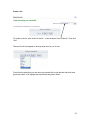
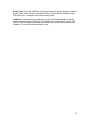
The user can purchase the article if they do not subscribe.
The user can purchase in PDF or HTML and that article is
the user’s to keep.
Currently the user has the option to rent the article for 24
hours. This is a read only HTML formatted, non-printable
article.
The user can fill in an order form and print it off to give to
the administrator who would purchase on their behalf.
21