1
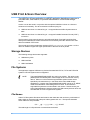
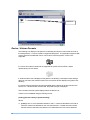
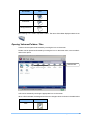
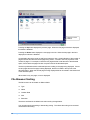
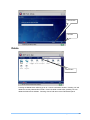
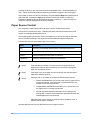
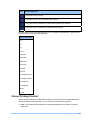
when a new USB device is connected. If all letters between A and Z are allocated, allocation continues from AA. There is no limit on the number of letters that can be allocated. [Volume Label] is the label allocated to the volume when it was formatted. If no volume has been specified, the volume label and the ‘on’ part of the label are not displayed. [Product Name] is the product name of the USB device on which the volume is found. A USB device can contain a number of volumes. Opening Volumes A volume can be opened by touching the icon on the screen. NOTE Touching a volume icon that contains an unsupported file system will do nothing. Using USB Print & Scan 15