1
Motion Studio
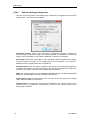
3.2.5. Installing and configuring the Bitflow Karbon-CL Frame Grabber
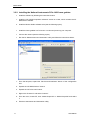
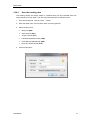
First install the software by following the instructions below.
1. Install the Bitflow SDK version 5.60. When the setup asks for serial number, enter the
value “0”. It will install all the binary modules necessary to operate the camera.
2. Install the Motion Studio software suite (see the following topics).
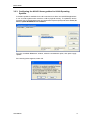
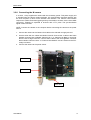
Then power off the computer, install the frame grabber in a PCI Express x8 or x16
available slot and power up the computer.
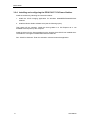
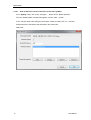
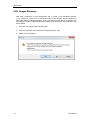
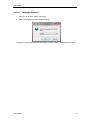
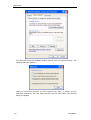
Follow the instructions on video when Windows detects the frame grabber. When
Windows asks to verify the driver, click “Install anyways”.
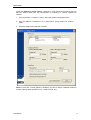
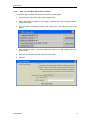
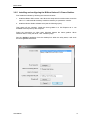
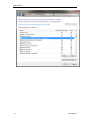
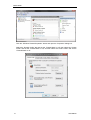
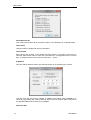
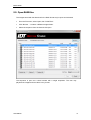
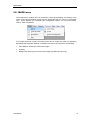
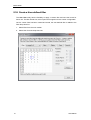
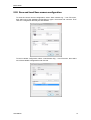
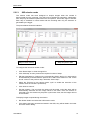
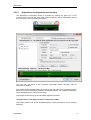
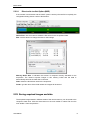
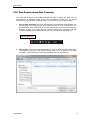
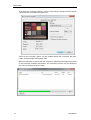
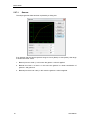
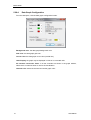
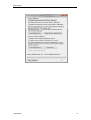
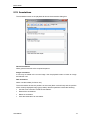
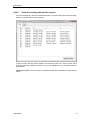
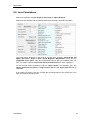
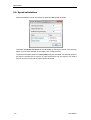
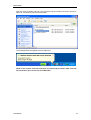
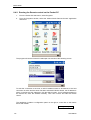
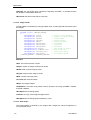
Run the “SysReg” application from the desktop link. When the utility starts, it will show
the frame grabber information.
Users Manual
19