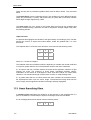
1
Motion Studio
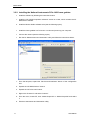
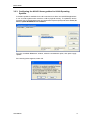
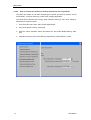
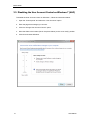
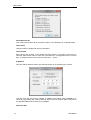
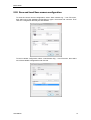
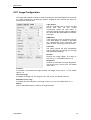
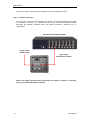
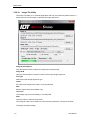
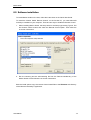
Install the “Sapera LT Image Library” version 6.04. Then follow the procedure below to
edit the camera serial port. The configuration is necessary to correctly operate the
camera.
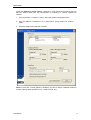
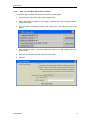
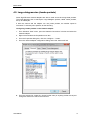
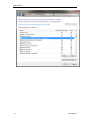
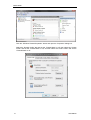
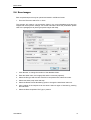
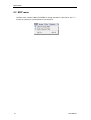
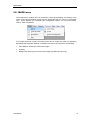
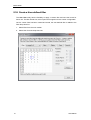
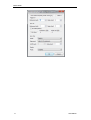
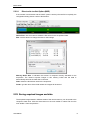
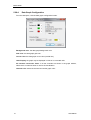
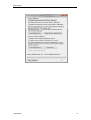
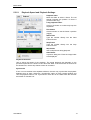
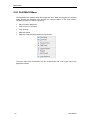
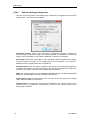
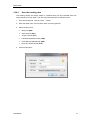
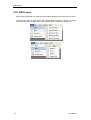
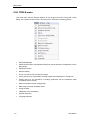
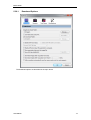
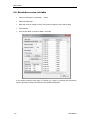
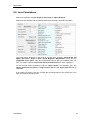
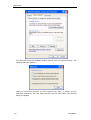
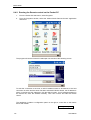
1. From the DALSA -> Sapera LT menu, select the Sapera Configuration item.
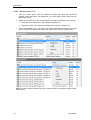
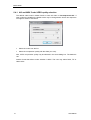
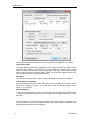
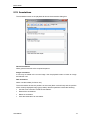
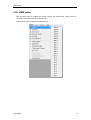
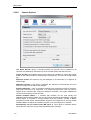
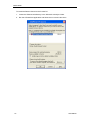
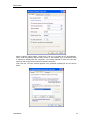
2. From the Maps to combo-box in the “Serial Ports” group, select the “COM 4”
option.
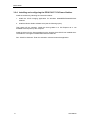
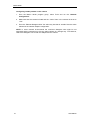
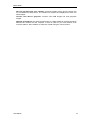
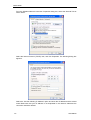
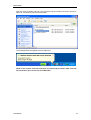
3. Exit the program and restart the computer.
NOTE: if more than 1 frame grabber is installed, you have to select a different COM port
for each frame grabber (COM4 for FG1, COM5 for FG2, etc.).
Users Manual
13