1
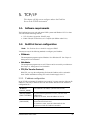
Chapter 5. TCP/IP
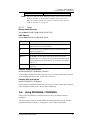
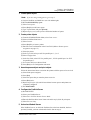
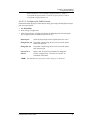
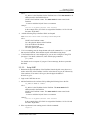
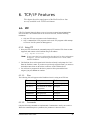
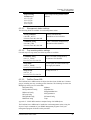
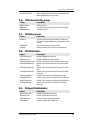
Windows NT host configuration
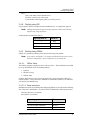
Sun 4.x on Sun SPARC workstation
SUN4.TXT
AT&T UNIX SV Release 4
SVR4.TXT
DEC/OSF1
DECOSF1.TXT
IBM AIX
AIX.TXT
UNIXWare
UNIXWARE.TXT
Note: If your system is not listed above, do not attempt to use Psfilter.
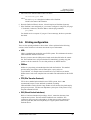
5.4.5.2.
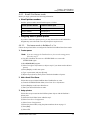
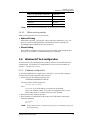
PSfilter printing methods
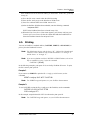
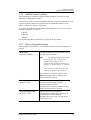
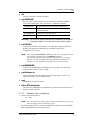
PSfilter printing provides two ways to print jobs:
♦ Redirect Printing
With Redirect printing, you print jobs using system print commands (e.g. lp). The
print job is redirected though PSfilter to the FastPrint. Redirect printing is the
recommended print method because jobs are spooled.
♦ Direct Printing
Here, PSfilter commands are used to print your job without going through the host
print queue. This method is recommended only for test purposes.
5.5. Windows NT host configuration
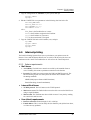
This section covers the configuration of a Windows NT host. The FastPrint should be
configured first. For Windows NT configuration in a Peer-to-Peer environment, see
Chapter 7 - Windows Peer-to-Peer.
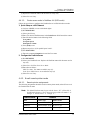
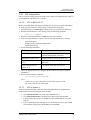
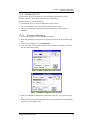
5.5.1. IP address configuration
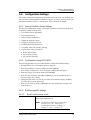
To have the FastPrint Server recognized as a valid device, you must first configure it.
Once this has been done, then follow this procedure.
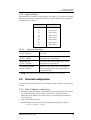
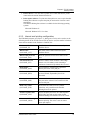
1. Add an entry for the FastPrint to the hosts file:
\SYSTEM32\DRIVERS\ETC\HOSTS
The entry consists of the following line:
xxx.xxx.xxx.xxx Name
where:
xxx.xxx.xxx.xxx is the IP address you assigned to the FastPrint.
Name is the FastPrint’s name. If you have not changed the name, use the
default name shown on a sticker on the base of the FastPrint.
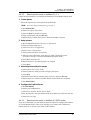
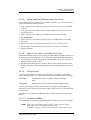
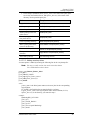
2. Reboot to have these changes take effect.
3. Have Windows NT automatically add an entry to the ARP table by entering the
following commands:
ping Name
arp –a
Note: If the FastPrint doesn’t respond to the ping, there is something wrong with
the IP addressing.
FastPrint Server User’s Guide
33