1
76
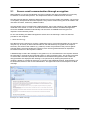
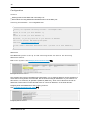
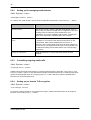
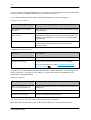
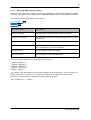
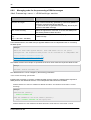
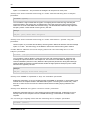
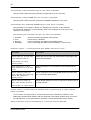
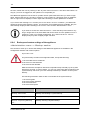
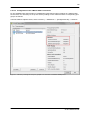
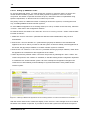
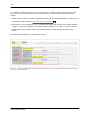
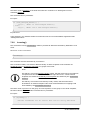
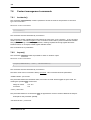
You can customize current translation via the »Edit trans latio ns . . . « button for the actual translation
of certain text of the GINA user interface itself and text of the short textual description of the GINA
message.
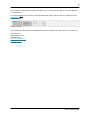
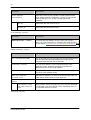
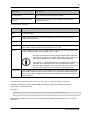
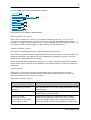
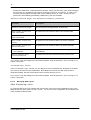
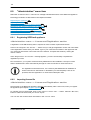
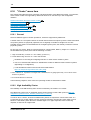
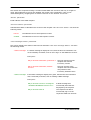
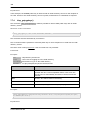
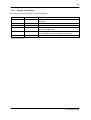
Within this section, you can navigate with the following buttons:
Back
: Return to the parent configuration page
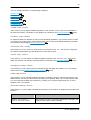
Adv anced : Expands the view and enables the processing of further resource records of the
View
translation
No rmal
: is only available, if the »Adv anced View« button has been previously pressed
View
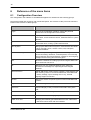
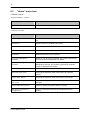
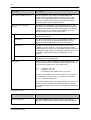
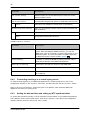
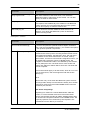
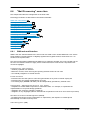
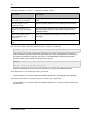
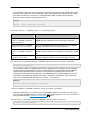
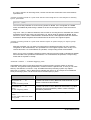
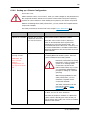
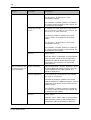
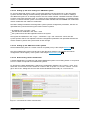
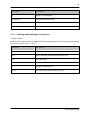
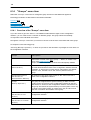
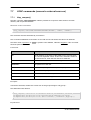
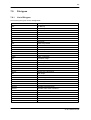
The following text components can be edited:
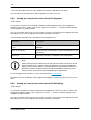
Customization 76
Text in Secure Web mail 76
Open hint in Secure Web mail 76
Greeting on Login page 76
Footer text 76
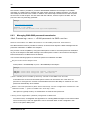
Webmail Password Notification Mail
77
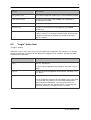
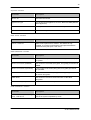
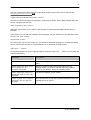
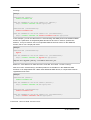
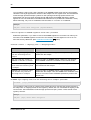
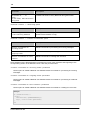
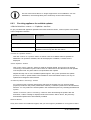
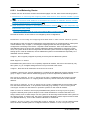
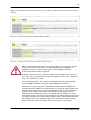
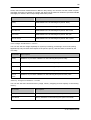
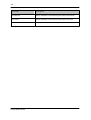
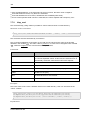
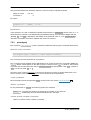
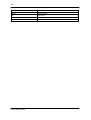
In the adv anced v iew:
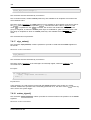
Edit Translation file
77
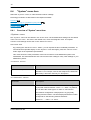
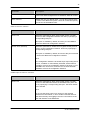
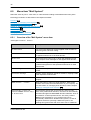
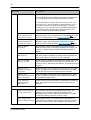
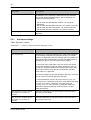
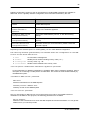
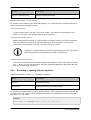
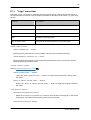
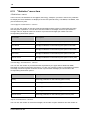
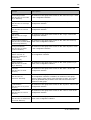
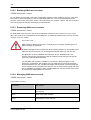
»Cus to mizatio n« s ectio n
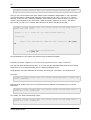
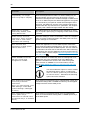
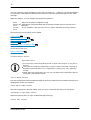
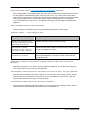
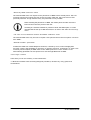
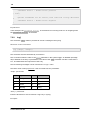
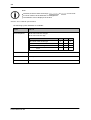
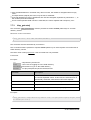
Impo rtant no tice
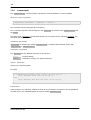
Do not use any of the reserved keywords »ms gid« and »ms gs tr« in any part of
the text.
Text must not contain any blank lines in order to create a line break. Use skip to
generate a line break. Each <br> is replaced by a newline. (e.g., as in plain text
emails).
HTML TAG's are not allowed. You may only use within text components, that are
displayed in the Webmail Viewer.
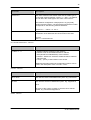
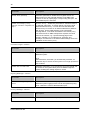
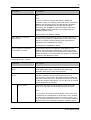
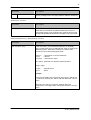
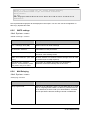
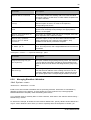
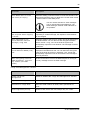
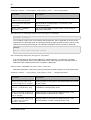
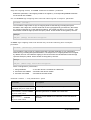
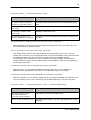
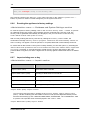
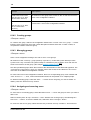
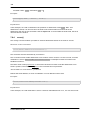
»Text in GINA« s ectio n
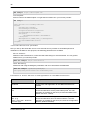
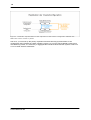
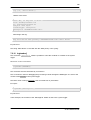
This text is displayed inside the GINA message as short information text and contains instructions for
handling this email to the recipient.
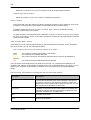
»Open hint in GINA« s ectio n
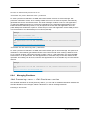
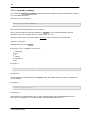
This text is displayed in the login dialog, when you open a web mail and sign up for decryption.
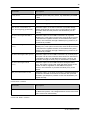
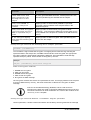
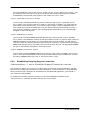
»Greeting o n Lo gin page« s ectio n
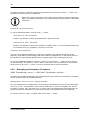
Welcome message after you open a GINA message to decrypt.
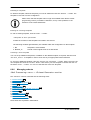
»Fo o ter text« s ectio n
© 2014 SEPPmail AG