1
Configuring for Network Management Applications
Using SNMP Tools To Manage the Switch
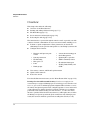
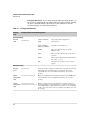
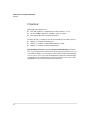
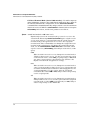
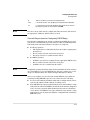
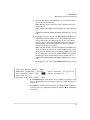
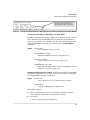
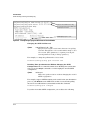
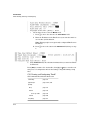
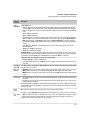
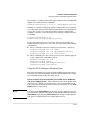
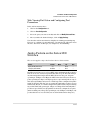
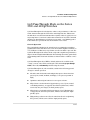
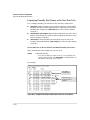
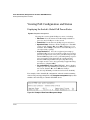
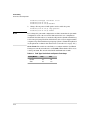
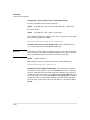
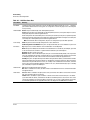
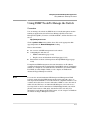
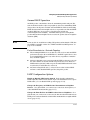
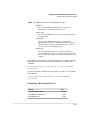
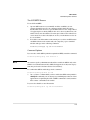
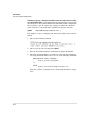
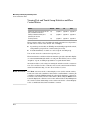
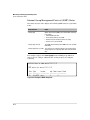
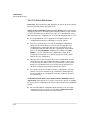
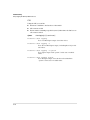
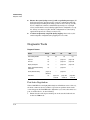
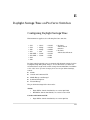
[no] snmpv3 group group_name user user_name sec-model <ver1| ver2c
| ver3> (— Continued —)
user user_name
This is the user to be added to the access group. This
must match the user name added with the snmpv3 user
command.
sec-model <ver1 | ver2c | ver3>
This defines which security model to use for the added
user. A SNMPv3 access Group should only use the ver3
security model.
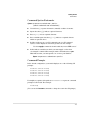
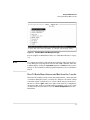
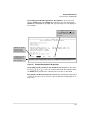
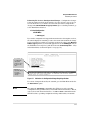
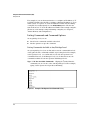
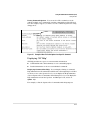
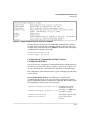
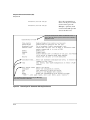
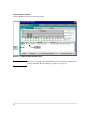
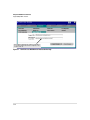
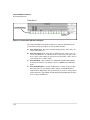
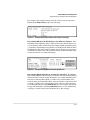
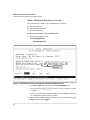
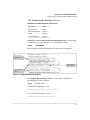
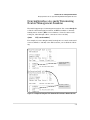
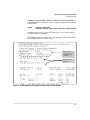
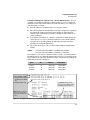
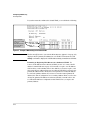
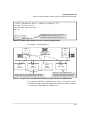
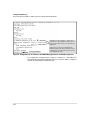
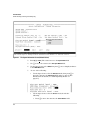
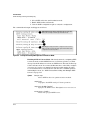
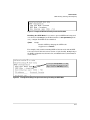
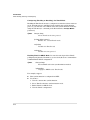
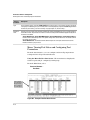
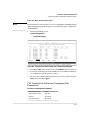
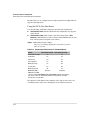
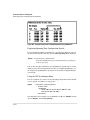
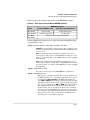
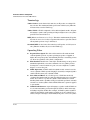
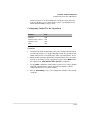
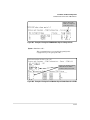
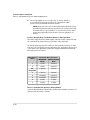
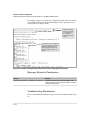
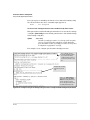
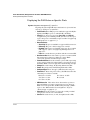
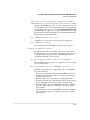
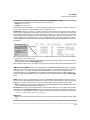
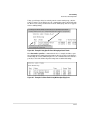
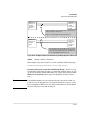
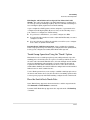
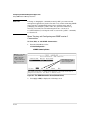
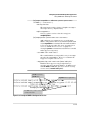
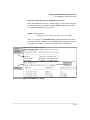
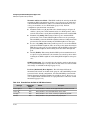
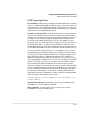
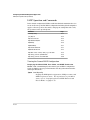
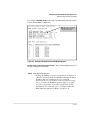
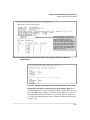
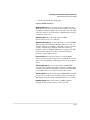
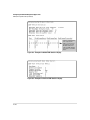
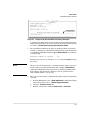
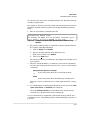
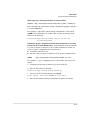
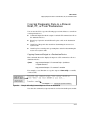
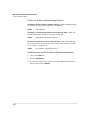
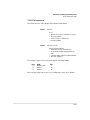
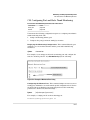
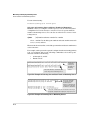
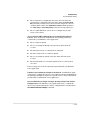
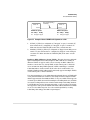
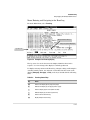
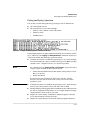
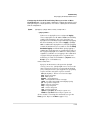
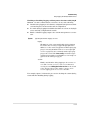
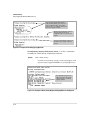
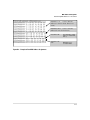
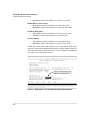
To establish a user you must first add the user names to the list of known users.
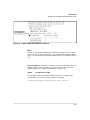
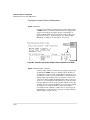
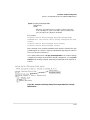
Add user names with the snmpv3 user CLI command.
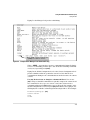
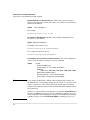
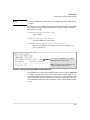
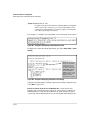
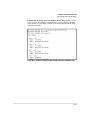
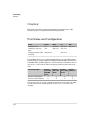
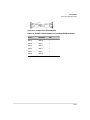
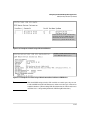
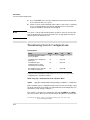
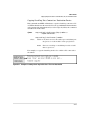
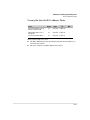
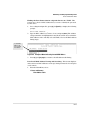
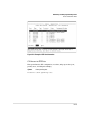
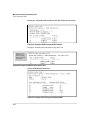
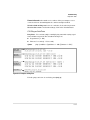
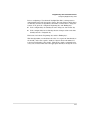
Add user Network Admin with no
Authentication or Privacy
Add user Network Mgr with
authentication and privacy
Authentication is set to Md5
and the password is authpass
Privacy is used and the
password is set privpass
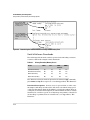
Figure 13-2. Adding and showing Users for SNMPv3
13-9