1
Configuring for Network Management Applications
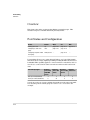
LLDP (Link-Layer Discovery Protocol)
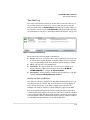
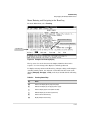
CDP Operation and Commands
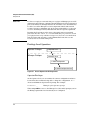
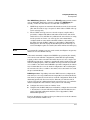
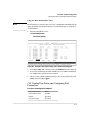
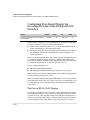
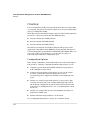
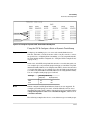
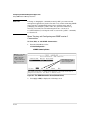
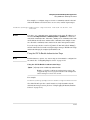
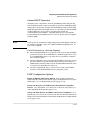
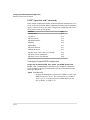
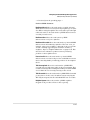
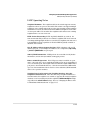
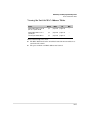
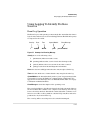
By default the switches covered by this guide have CDP enabled on each port.
This is a read-only capability, meaning that the switch can receive and store
information about adjacent CDP devices but does not generate CDP packets.
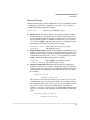
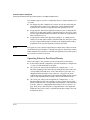
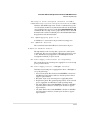
When a CDP-enabled switch receives a CDP packet from another CDP device,
it enters that device’s data in the CDP Neighbors table, along with the port
number where the data was received (and does not forward the packet). The
switch also periodically purges the table of any entries that have expired. (The
hold time for any data entry in the switch’s CDP Neighbors table is configured
in the device transmitting the CDP packet, and cannot be controlled in the
switch receiving the packet.) A switch reviews the list of CDP neighbor entries
every three seconds, and purges any expired entries.
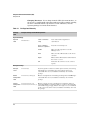
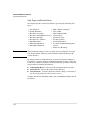
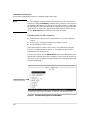
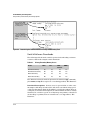
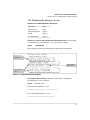
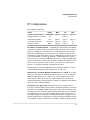
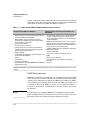
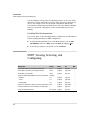
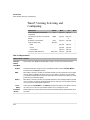
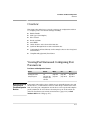
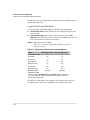
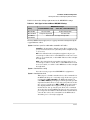
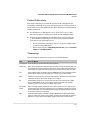
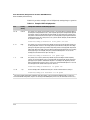
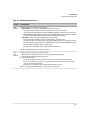
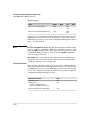
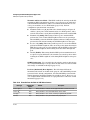
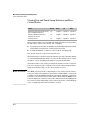
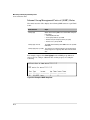
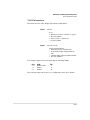
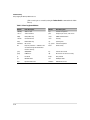
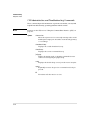
Note
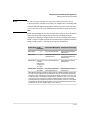
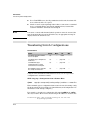
Command
Page
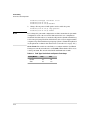
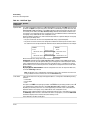
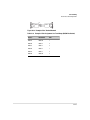
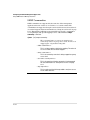
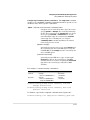
show cdp
13-52
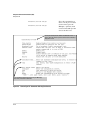
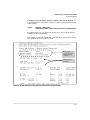
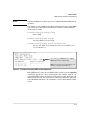
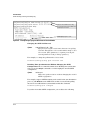
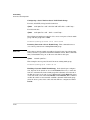
show cdp neighbors [< port-list > detail]
[detail < port-list >]
13-53
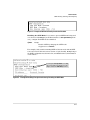
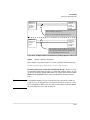
[no] cdp run
13-54
[no] cdp enable < port-list >
13-54
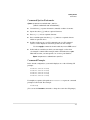
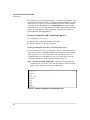
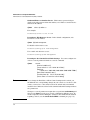
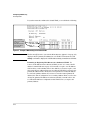
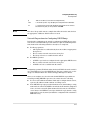
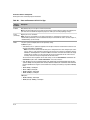
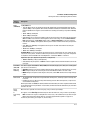
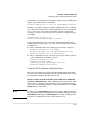
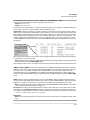
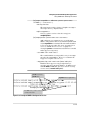
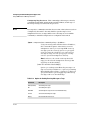
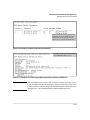
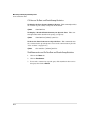
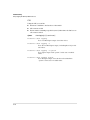
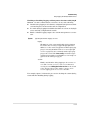
For details on how to use an SNMP utility to retrieve information from the
switch’s CDP Neighbors table maintained in the switch’s MIB (Management
Information Base), refer to the documentation provided with the particular
SNMP utility.
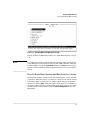
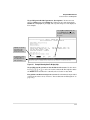
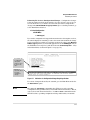
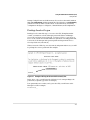
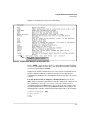
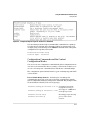
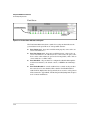
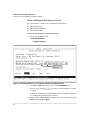
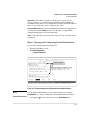
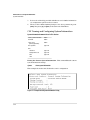
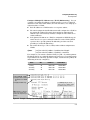
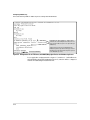
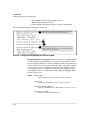
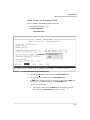
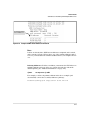
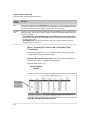
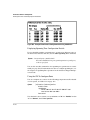
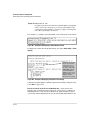
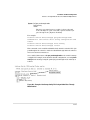
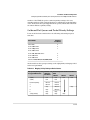
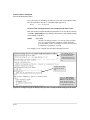
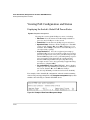
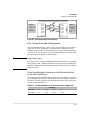
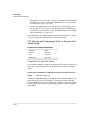
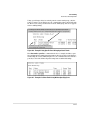
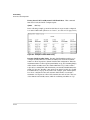
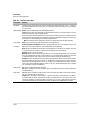
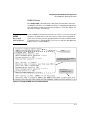
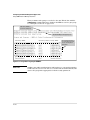
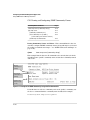
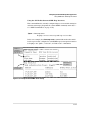
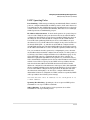
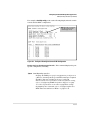
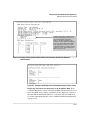
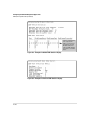
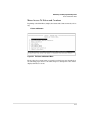
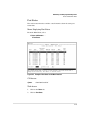
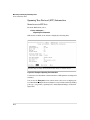
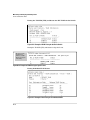
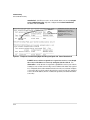
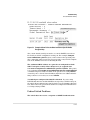
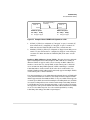
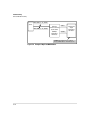
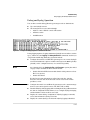
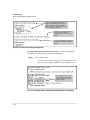
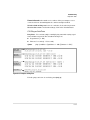
Viewing the Switch’s Current CDP Configuration. CDP is shown as
enabled/disabled both globally on the switch and on a per-port basis.
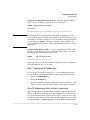
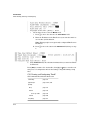
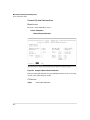
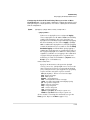
Syntax: show cdp
Lists the switch’s global and per-port CDP configuration.
13-52