1
4. Managing inSentry Pro via Web Browser
4.6.2 Extended Logs of Devices
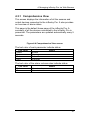
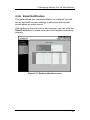
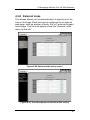
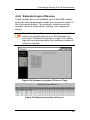
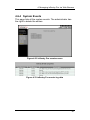
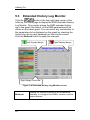
These screens give a consolidated view of the EMD, sensor,
and output device parameters taken over a period on each of
the three device boards. The minimum, maximum and the
average values of temperature, humidity, and voltage are
shown.
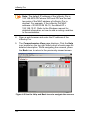
Note: The administrator can change the consolidation
interval by changing the value of the Extended Log
Interval in “System/ Configuration” page. The existing
logs will be overwritten when the maximum number of
entries is reached.
Figure 4-28 Extended Log Index Of Device-1 Page
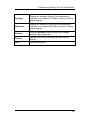
Figure 4-29 Extended Log Data of Device-1
45