1
3 Two Simple Examples
This chapter develops the basics of modelling set out in Chapter 2. It presents two
further examples of the use of XPRESS-MP and introduces two new features.
a
The first of these is the use of model files. Model files are text files which contain a
description of the model in mp-model format created using a standard text editor.
Presenting models to mp-model from such files saves having to re-type a model
when it is changed and is fundamental to any model management scheme.
ç
Visual XPRESS "knows about" its own model files, and has its own editor. Visual
XPRESS also stores problems as files. These problem files include the model
description, equivalent to the model file in mp-model, and the settings of the
optimiser controls, such as whether the objective is to be minimised or maximised.
Visual XPRESS has its own editor to develop and maintain problems.
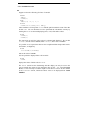
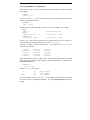
Example 1 shows how model files are used with XPRESS-MP.
The second new feature is the use of data tables. These contain the data to be used with
a model. Data for these tables can be entered from a variety of sources such as ASCII
text files and Excel spreadsheets. In the second example, a more advanced model is
described which uses data input from ASCII files.
3.1 Example 1: A Simple Production Planning Exercise
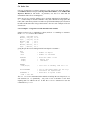
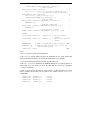
In this example we build up a model piece by piece in preparation for saving it to a
model file (a .mod or .wmd file in XPRESS-MP conventions). We also illustrate the
use of data tables and how to enter data directly into these tables from within the
modeller.