1
Operating Instructions
2.2
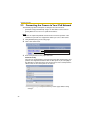
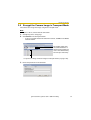
Connecting the Camera to Your IPv4 Network
The Network page offers three options to configure the camera in IPv4.
•
[Automatic Setup] automatically assigns an unused IP address to the camera,
and uses UPnPTM (Universal Plug and Play) to configure your router.
•
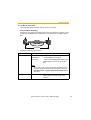
[Static] allows the user to use a specific IP address.
•
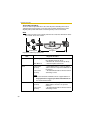
[DHCP] is offered for ISPs who require this option.
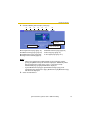
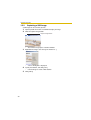
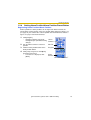
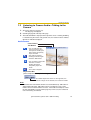
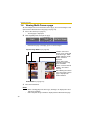
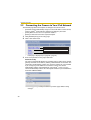
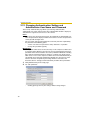
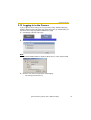
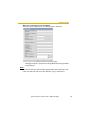
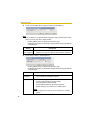
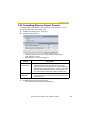
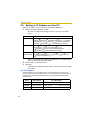
1. Click [Network (IPv4)] on the Setup page.
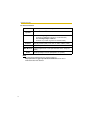
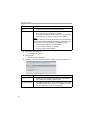
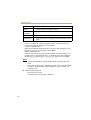
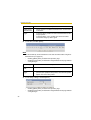
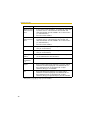
2. Click a connection mode.
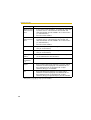
Normally sets Automatic Setup.
Uses a static IP address.
Uses ISP DHCP server function.
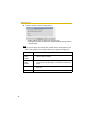
•
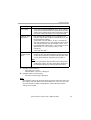
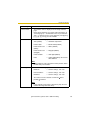
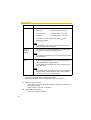
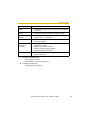
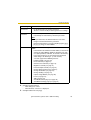
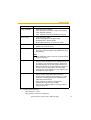
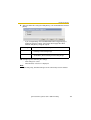
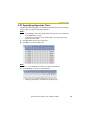
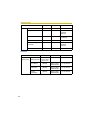
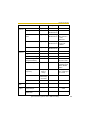
Each page is displayed (see page 40—page 41).
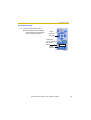
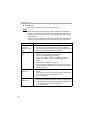
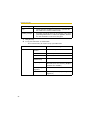
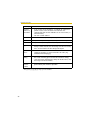
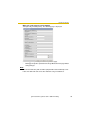
3. Enter each parameter in the proper data field.
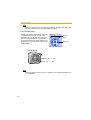
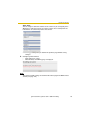
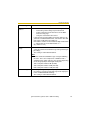
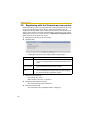
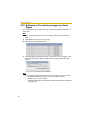
Automatic Setup
The camera automatically obtains the network settings (subnet mask, default
gateway and DNS server address) utilizing a DHCP feature on the router. The
camera also automatically searches the unused IP address on your network.
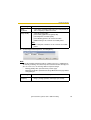
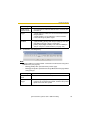
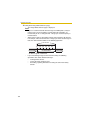
If you select [Yes] at the Allow Access from the Internet, the camera
automatically enables port forwarding by using UPnPTM. In this case, the
camera automatically searches the unused port number on your network in the
order from 50000 to 50050.
•
40
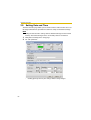
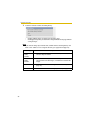
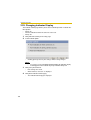
Clicking [Cancel] takes you back to the previous page without saving
changes.