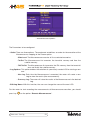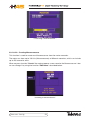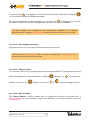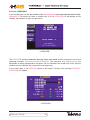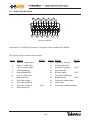
1
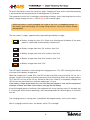
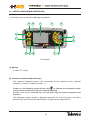
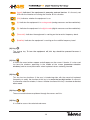
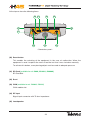
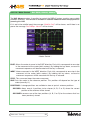
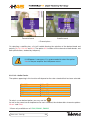
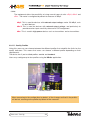
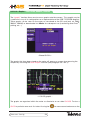
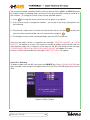
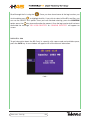
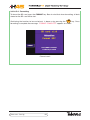
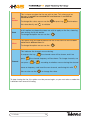
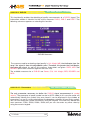
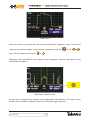
(Load): Indicates if the equipment is powering external devices. It is the only red
LED with the intention of warning the installer of this situation.
(ON): Indicates whether the equipment is on.
(A): Indicates the equipment is in analog mode (analog measures and de-modulation).
(D): Indicates the equipment is in digital mode (digital measures and de-modulation).
(Terrestrial): Indicates the equipment is working on the terrestrial frequency band.
(Satellite): Indicates the equipment is working on the satellite frequency band.
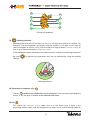
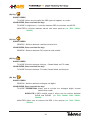
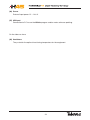
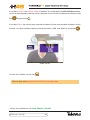
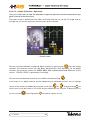
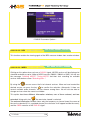
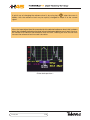
(10) Key
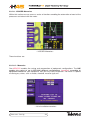
The startup key. To turn the equipment off, this key should be pressed for over 3
seconds.
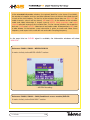
(11) Key
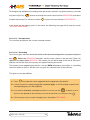
It makes the menu buttons appear and disappear on the screen. Likewise, it is also used
to close the windows appearing in the middle of the screen (parameter selection
windows) and to cancel parameters when keyboard values are being inserted.
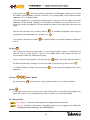
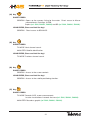
(12) Key
This key has two functions: if the user is introducing data with the numerical keyboard
(frequency or code), the function of this key is to erase the last digit written. If we are in
a parameter selection window, it closes. Another function of this key is to return to the last
menu used.
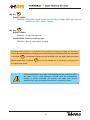
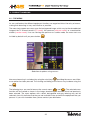
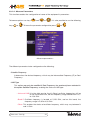
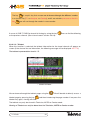
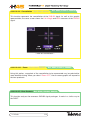
(13) Keys
/
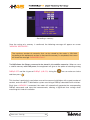
These are used to browse up/down through the menus and lists.
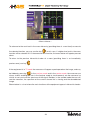
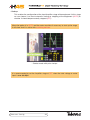
(14) Key
It is used to access the selected sub-menu.
19