1
3.3.1.6.4.3.- Delete Graphic
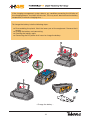
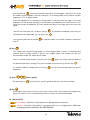
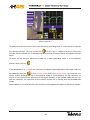
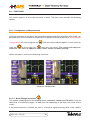
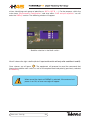
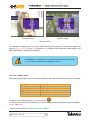
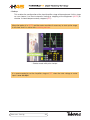
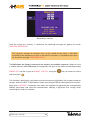
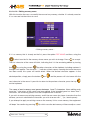
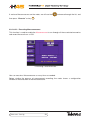
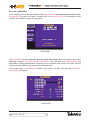
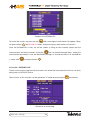
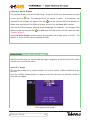
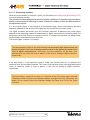
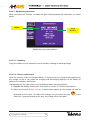
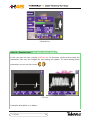
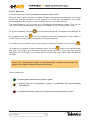
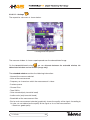
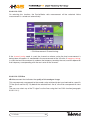
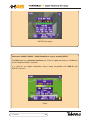
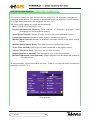
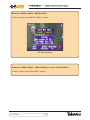
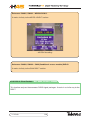
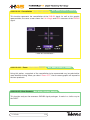
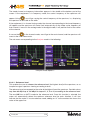
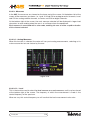
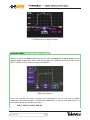
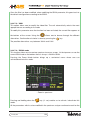
This function displays the full GLOGS listing. A specific GLOG may be selected using the
cursors and the
key. The selected GLOG will appear in yellow.
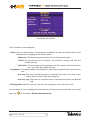
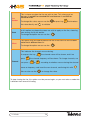
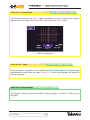
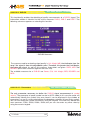
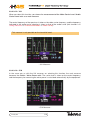
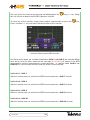
selected GLOG numbers will appear. Pressing
At the bottom, the
over the selected GLOG will deselect it.
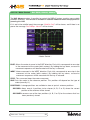
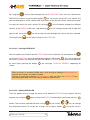
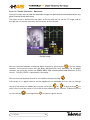
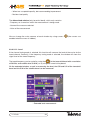
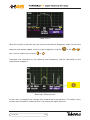
Rather than selecting the GLOGS one by one, one can use the Select ALL function.
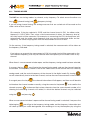
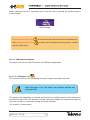
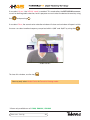
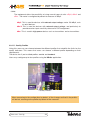
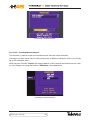
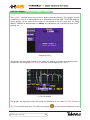
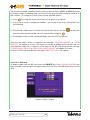
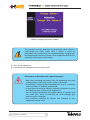
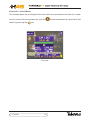
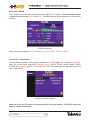
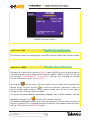
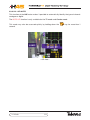
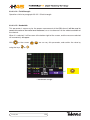
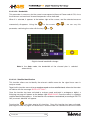
Once the GLOGS have been selected, press the Accept. key to delete. A message on the
bottom will advise that pressing
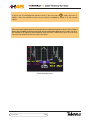
“Graphic deleted”.
will delete the GLOGS. In that case the meter will show
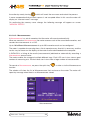
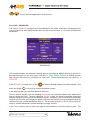
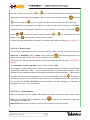
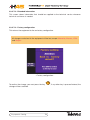
Using the Select Graphs function allows one to delete the Graphs within a GLOG. The
process is similar to that used for deleting GLOGS.
3.3.1.6.5.- SD
Ref. 5992, 599201, 599202
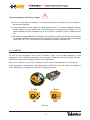
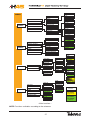
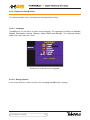
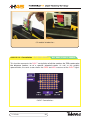
With this function one can transfer both data logs and graphs to the SD card which comes
with the unit as part of the series.
3.3.1.6.5.1.- Dump
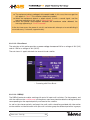
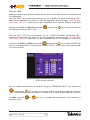
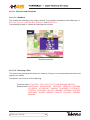
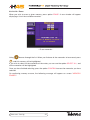
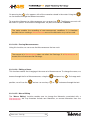
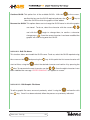
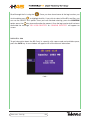
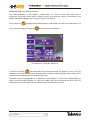
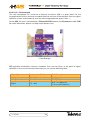
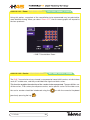
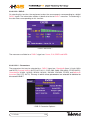
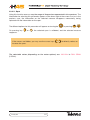
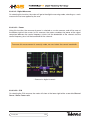
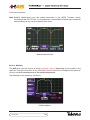
This function enables us to choose whether we want to transfer LOGS or GRAPHS to the
SD card.
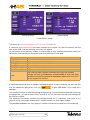
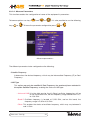
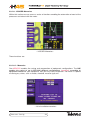
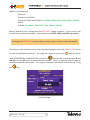
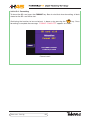
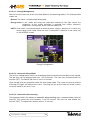
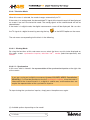
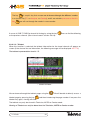
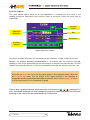
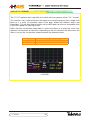
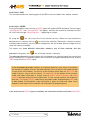
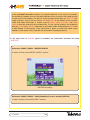
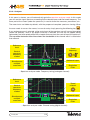
Once the LOGS or Graphs button has been pressed the relevant list of all those stored on
the meter will appear.
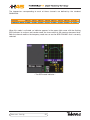
- Files stored on the meter -
Measures Config.
62