1
ASPECT 2000D User Manual
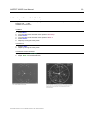
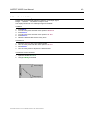
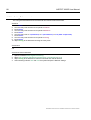
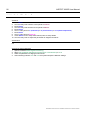
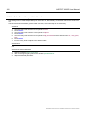
9.3.3 Input Cropping right
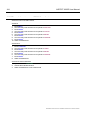
Via Menu
1.
2.
3.
4.
5.
6.
7.
8.
Press Menu
Turn the rotary knob until the cursor points to ARC
Press Select
Turn the rotary knob until the cursor points to Crop
Press Select
Turn the rotary knob until the cursor points to In Right
Press Select
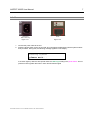
Adjust the Cropping using the rotary knob
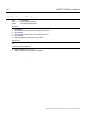
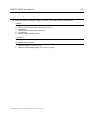
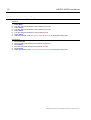
Via Shortcut
1.
2.
3.
4.
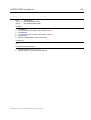
Press Crop
Turn the rotary knob until the cursor points to In Right
Press Select
Adjust the Cropping using the rotary knob
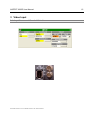
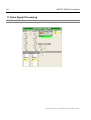
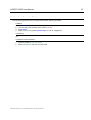
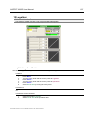
Via Remote Control Software
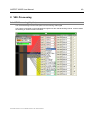
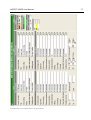
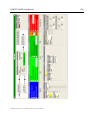
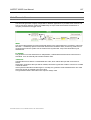
1. Open the window Aspect ratio conversion and Zoom
2. Adjust the cropping by the appropriate slider besides the input window
ModelASPECT2000D Document # UMASPECT2000D.001 Rev. ASPECT2000D.001
65