1
8.5 Coordinate Transformation Cycles
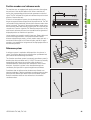
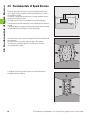
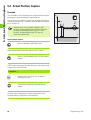
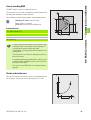
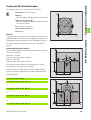
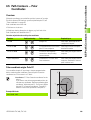
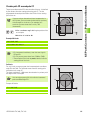
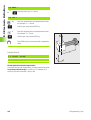
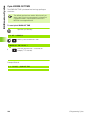
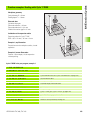
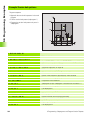
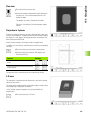
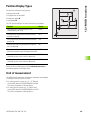
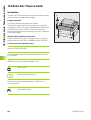
SCALING FACTOR (Cycle 11)
Function
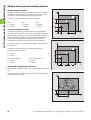
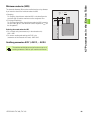
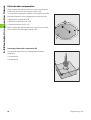
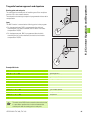
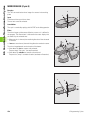
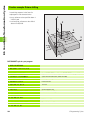
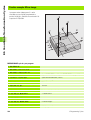
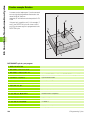
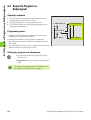
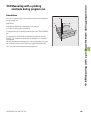
The scaling factor cycle allows contours to be enlarged or reduced in
size within a program, enabling you to program shrinkage and oversize
allowances.
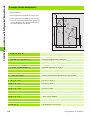
Z
Y
Y
Z
X
Effect
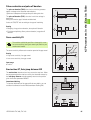
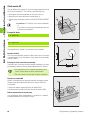
The scaling factor cycle takes effect as soon as it is defined.
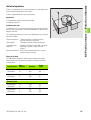
The scaling factor can be applied
X
n in the working plane, or on all three coordinate axes at the same
time (depending on MP7410)
n to the dimensions in cycles
n to the parallel axes U,V,W
The scaling factor is shown in the status display under SCL.
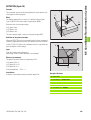
Input
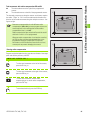
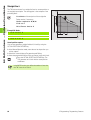
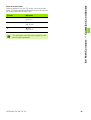
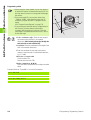
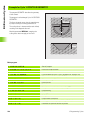
The cycle is defined by entering the factor SCL. The TNC multiplies the
coordinates and radii by the SCL factor (as described under ”Effect”
above).
Enlargement: SCL greater than 1 (up to 99.999 999)
Reduction: SCL less than 1 (down to 0.000 001)
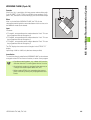
Cancellation
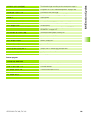
To cancel the scaling factor, enter a scaling factor of 1.
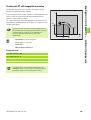
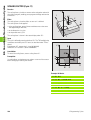
Prerequisite
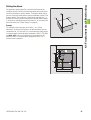
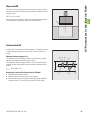
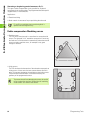
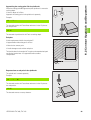
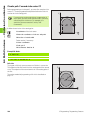
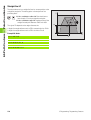
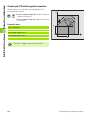
It is advisable to set the datum to an edge or a corner of the contour
before enlarging or reducing the contour.
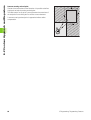
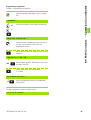
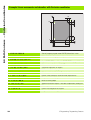
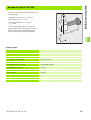
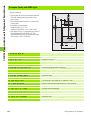
Example: NC blocks
11 CALL LBL1
12 CYCL DEF 7.0 DATUM SHIFT
13 CYCL DEF 7.1 X+60
14 CYCL DEF 7.2 Y+40
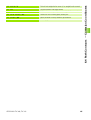
15 CYCL DEF 11.0 SCALING
16 CYCL DEF 11.1 SCL 0.75
17 CALL LBL1
160
8 Programming: Cycles