1
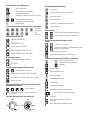
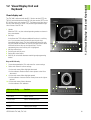
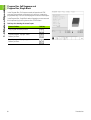
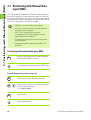
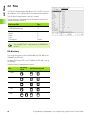
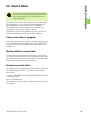
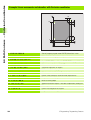
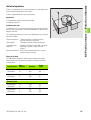
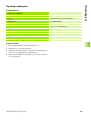
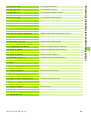
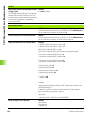
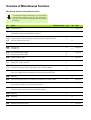
Controls on the visual display unit
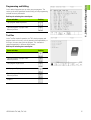
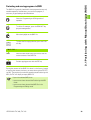
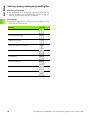
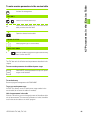
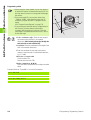
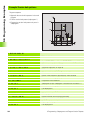
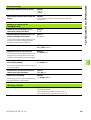
Programming path movements
Split screen layout
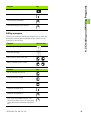
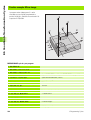
Straight line
Switch between machining or
programming modes
Circle center/pole for polar coordinates
Soft keys for selecting functions in screen
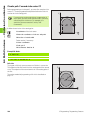
Circle with center
Switching the soft-key rows
Circle with radius
Changing the screen settings
(only BC 120)
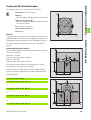
Circular arc with tangential connection
Typewriter keyboard for entering letters and symbols
File names
Comments
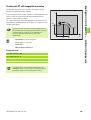
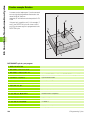
Corner rounding
Electrode data
Enter and call electrode length and radius
ISO
programs
Activate electrode radius compensation
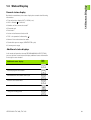
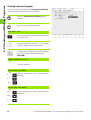
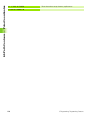
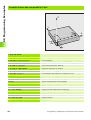
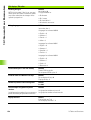
Machine operating modes
MANUAL OPERATION
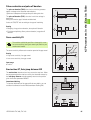
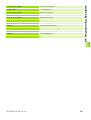
Cycles, subprograms and program section
repeats
INCREMENTAL JOG
Define and call cycles
POSITIONING WITH MDI
Enter and call labels for subprogramming and
program section repeats
PROGRAM RUN, SINGLE BLOCK
Program stop in a program
PROGRAM RUN, FULL SEQUENCE
Enter touch probe functions in a program
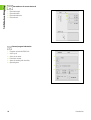
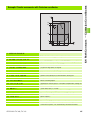
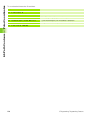
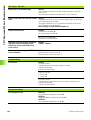
Programming modes
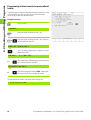
Coordinate axes and numbers:Entering and editing
Select coordinate axes or
...
enter them into the program
PROGRAMMING AND EDITING
TEST RUN
Program/file management, TNC functions
Numbers
...
Decimal point
Select programs and files
Change arithmetic sign
Delete programs and files (only TNC 406)
Polar coordinates
Activate external data transfer (only TNC 406)
Incremental dimensions
Pocket calculator
Q parameters
Moving the highlight, going directly to blocks, cycles
and parameter functions
Move highlight
Go directly to blocks, cycles and parameter
functions
Override control knobs for feed rate/C axis
100
Capture actual position
Skip dialog questions, delete words
Confirm entry and resume dialog
End block
Clear numerical entry or TNC error
message
100
Abort dialog, delete program section
50
150
50
150
F %
0
S %
0