1
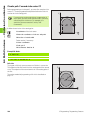
10.2 Part Families – Q Parameters in Place of Numerical Values
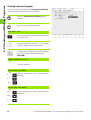
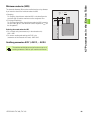
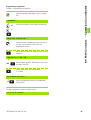
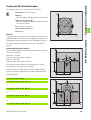
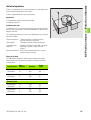
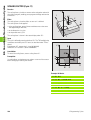
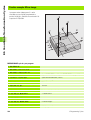
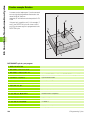
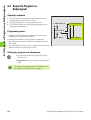
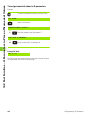
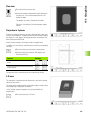
To assign numerical values to Q parameters
Example:
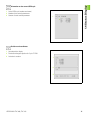
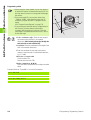
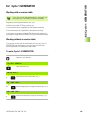
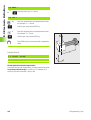
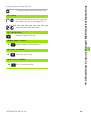
To select Q parameter functions, press the Q key.
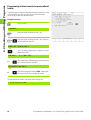
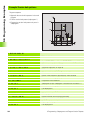
FN0: ASSIGN
Select FN 0: ASSIGN
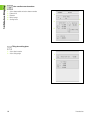
PARAMETER NUMBER FOR RESULT ?
5
Enter the number of the Q parameter: 5
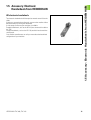
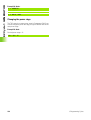
FIRST VALUE OR PARAMETER ?
10
Assign a value to Q5, for example 10.
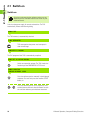
Example NC block
FN0: Q5 = 10
The TNC assigns the numerical value on the right of the equal sign to
the Q parameter on the left of the equal sign.
188
10 Programming: Q Parameters