1
2
raytest
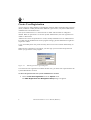
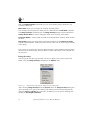
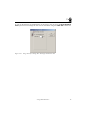
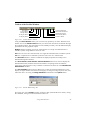
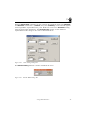
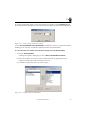
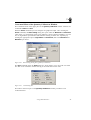
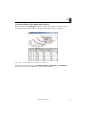
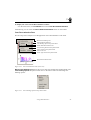
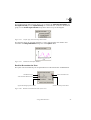
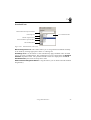
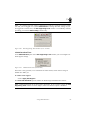
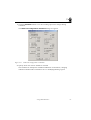
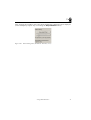
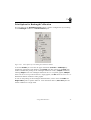
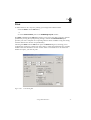
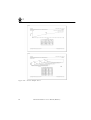
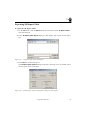
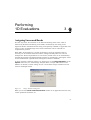
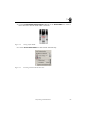
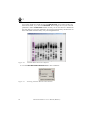
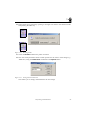
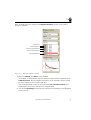
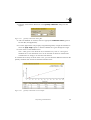
The Grid command opens the Grid dialog box, which allows you to lay grids over both
axis that are an extension of either the big or the small ticks on the axes.
Figure 2-30
Grid Dialog Box
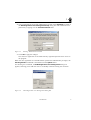
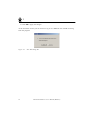
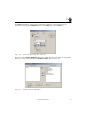
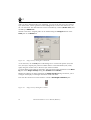
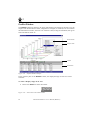
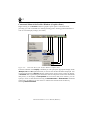
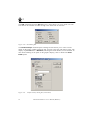
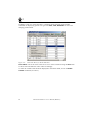
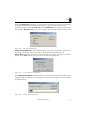
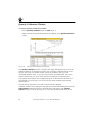
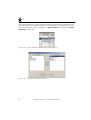
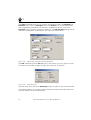
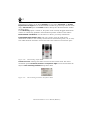
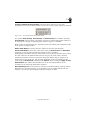
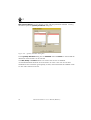
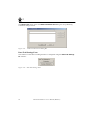
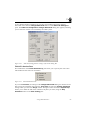
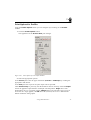
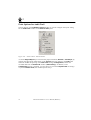
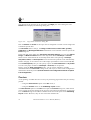
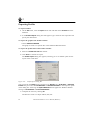
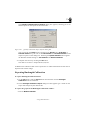
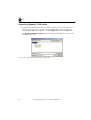
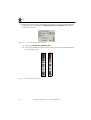
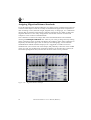
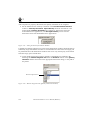
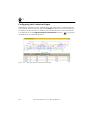
The Profile Overlays command opens a dialog box that allows you to select various
labels for the peaks, together with their font, font size, font style and rotation angle. The
display of peak Area and / or Brackets (indicating the bands' borders) can be selected. To
turn off the marking of the peaks on the graphics display, click to deselect the Draw
Peaks option.
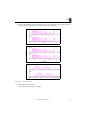
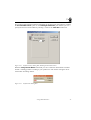
Figure 2-31
36
Profile Overlays Dialog Box (Label Pane)
AIDA 1D Evaluation+ User’s Manual (Windows)