1
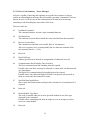
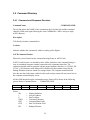
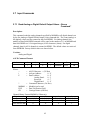
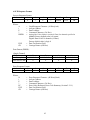
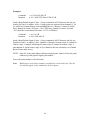
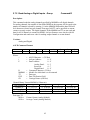
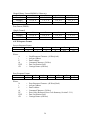
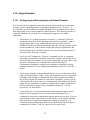
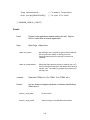
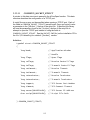
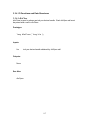
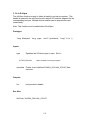
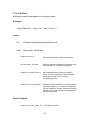
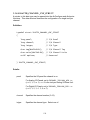
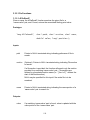
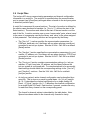
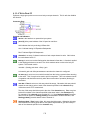
2.4.2 Command Summary
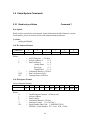
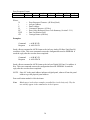
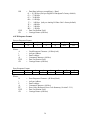
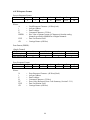
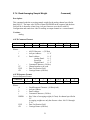
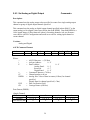
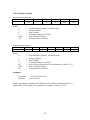
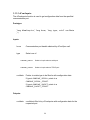
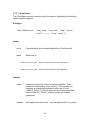
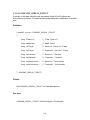
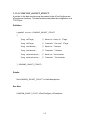
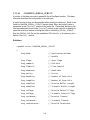
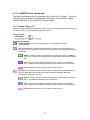
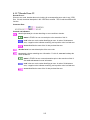
The following summary lists the commands by related groups. The version indicates
whether the command is an A(nalog) or D(igital) command.
Section 2.5:
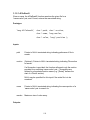
Setup / System Commands
Command Name
Read isoLynxTM Status
Reset
Reset Parameters To Default
Set System Parameters
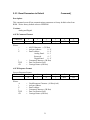
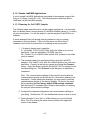
Section 2.6:
Command Format
?
B
[
@ DR NI CF
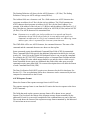
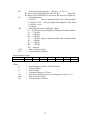
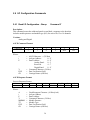
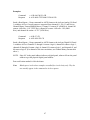
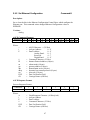
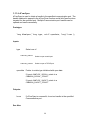
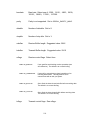
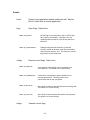
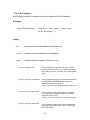
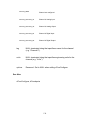
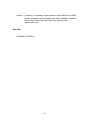
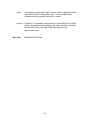
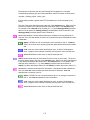
I/O Configuration Commands
Command Name
Read I/O Configuration-Group
Set I/O Configuration-Group
Section 2.7:
Version
A,D
A,D
Command Format
* MMMM
R MMMM TT
r CC TT
( CC
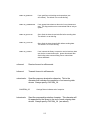
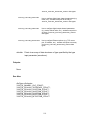
Version
A,D
A,D
A,D
A
Command Format
& MMMM DDDD
X MMMM DDDD
x CC DDDD
h CC DDDD
Version
A,D
A,D
A,D
A
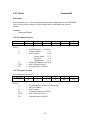
Command Format
+
# IP sn gw dns dhcp
res
Version
A
A
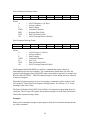
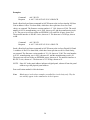
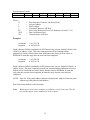
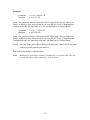
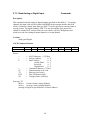
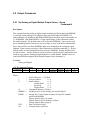
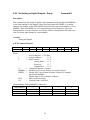
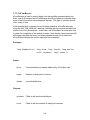
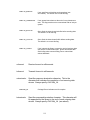
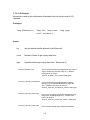
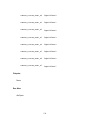
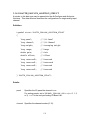
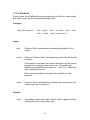
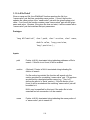
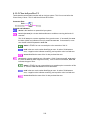
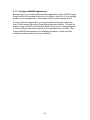
Output Commands
Command Name
Set Analog or Digital Default Output Values – Group
Set Analog or Digital Outputs – Group
Set Analog or Digital Output
Set Averaging Sample Weight
Section 2.9:
Command Format
Y
G MMMM TT
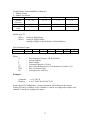
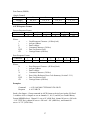
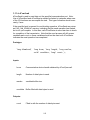
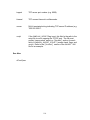
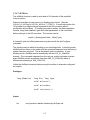
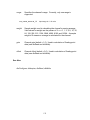
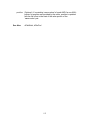
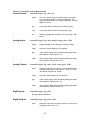
Input Commands
Command Name
Read Analog or Digital Default Output Values – Group
Read Analog or Digital Inputs – Group
Read Analog or Digital Input
Read Averaging Sample Weight
Section 2.8:
Version
A,D
A,D
A,D
A,D
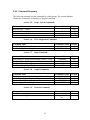
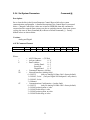
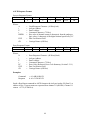
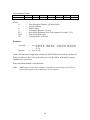
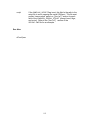
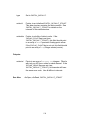
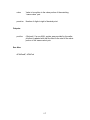
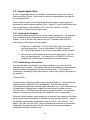
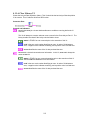
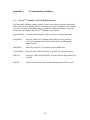
Network Commands
Command Name
Read Ethernet Configuration
Set Ethernet Configuration
25