1
Appendix
C
Troubleshooting
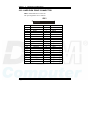
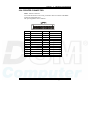
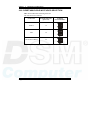
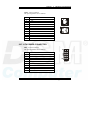
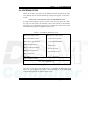
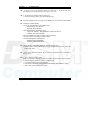
TROUBLESHOOTING FOR POST CODES
When you power on your PC, and the screen display nothing. You have to
insert the POST Card for test. The address for ISA POST port is 80h. Make
sure the card is in correct slot. The lists below indicate you the error
messages. Please follow the instruction to adjust your system. If the error
still occurred, please contact with your distributor for maintenance.
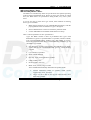
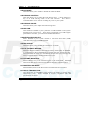
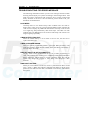
C0 : Turn off OEM specific cache, shadow.....
03 : Initialize all the standard devices with default values Standard devices
includes :
DMA controller (8237).
Programmable Interrupt Controller (8259).
Programmable Interval Timer (8254).
RTC chip.
05 : 1.Keyboard Controller Self-Test.
2.Enable Keyboard Interface.
07 : Verfies CMOS‘s basic R/W functionality.
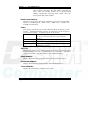
BE : Program defaults values into chipset according to the MODBINable Chipset
Default Table.
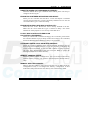
C1 : Auto-detection of onboard DRAM & Cache.
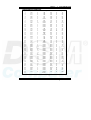
C5 : Copy the BIOS from ROM into E0000-FFFFF shadow RAM so that POST
will go faster.
08 : Test the first 256K DRAM.
09 : 1. Program the configuration register of Cyrix CPU according to the
MODBINable Cyrix Register Table.
2. OEM specific cache initialization (if needed).
USER′S MANUAL
Page: C-5