1
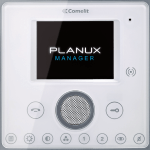
Answering a call On receipt of a call from the external unit you will hear the call ringtone. Only if the application is running in the background (and InterCall Remote registered), a message window will appear on the display. Press the notification to access the application. » Up to 3 secondary “slave” devices, the image from the external unit will appear on the display automatically. » In the case of the 4th to 15th secondary “slave” devices, a call from the external unit will only be indicated. In this case you must press 6 to acquire the video signal.