1
SCPI User Manual
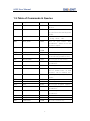
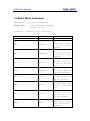
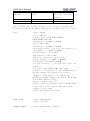
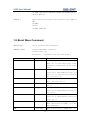
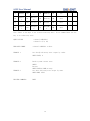
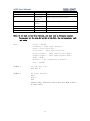
DUTY
<duty>
Input signal duty.
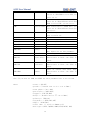
TRG
<trig level>
Input signal trig level.
PW
<positive
width>
Input signal positive width.
NW
<negative
width>
Input signal negative width.
MODE
<mode>
Frequency counter mode.
DEF
<default>
Set configuration to default.
HFR
<hfr>
Turn HFR on or off
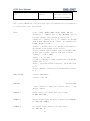
Note: if you want to use this function, you must turn on frequency counter.
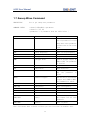
You can only set the mode,def and hfr of the list, the rest parmeters only
get value
where:
<state>:= {ON|OFF}
<frequency>:= {Input signal frequency.}
<duty>:={ Input signal duty.}
<trig level>:= { Input signal trig level.}
<positive width>:= { Input signal positive width.}
<negative width>:= { Input signal negative width.}
<mode>:={AC|DC}
<default>:= { Set configuration to default.}
<hfr>:= {ON|OFF}
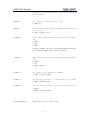
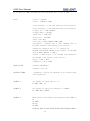
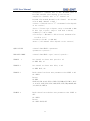
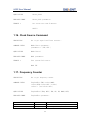
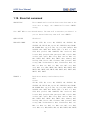
EXAMPLE 1
set trig level to 2v.
FCNT TRG, 2v
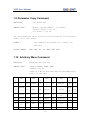
EXAMPLE 2
get signal frequency.
FCNT?
Return:
FCNT
STATE,ON,FRQ,0.01HZ,DUTY,0,TRG,0V,PW,0,NW,0,MODE,AC,HFR,O
FF,FRQ,0.01HZ\n
23