1
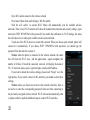
Notices: unless you choose not to reserve the network with password, otherwise, there is no need to
re-enter the corresponding password when next time connecting to the previously encrypted wireless
network. Wi-Fi will search automatically, that is, phone needn’t to perform additional steps to connect WiFi networks.
Connect to other Wi-Fi networks
Touch other Wi-Fi networks, and then you can connect to this network.
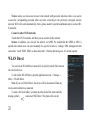
Notices: in addition, you can surf the internet via GPRS. We default that the GPRS in SIM1 is
opened after started, users can select manually, the specific location is “settings> SIM management>data
connection” touch “SIM1 SIM2 no data connection” when the dot turns green, it’s already opened.
WLAN Direct
You can use the WLAN Direct connectivity to quickly transfer files between
two wireless devices.
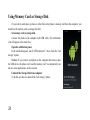
To turn on the WLAN Direct, open the applications menu -> Settings ->
More -> WLAN Direct.
Note: If you use WLAN Direct, the device will be disconnected from any
wireless network that was connected.
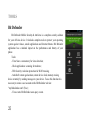
To send a file from Gallery you must open the desired file, then touch the
sharing symbol (
) and select WiFi Direct. The phone will scan for
21