1
Operating the VP-724DS Seamless Switcher / Scaler
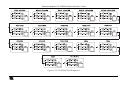
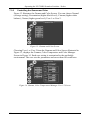
remote control transmitter (see Figure 49), which instantly move the position
of the zoom to up to nine preset fixed locations1
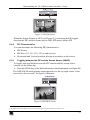
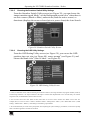
Figure 24: Preset Position Control Keys
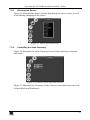
• Using the navigation control keys on the infra-red remote control
transmitter (see Figure 49), to fine tune the zoom position (that is, to slowly
zoom-in at any location on the screen)2, as Figure 25 illustrates
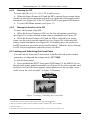
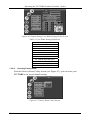
Figure 25: Navigation Control Keys
•
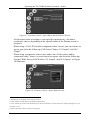
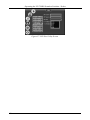
Using the OSD Menu buttons (see Figure 26)3
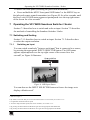
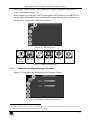
Figure 26: Geometry (Zoom Position Adjustment) Screen
1 For example, to zoom-in to the lower right corner of the image, press the
2 For example, to zoom-in toward the lower right of the image, press the
button
and the
buttons separately, as required
3 For example, to zoom-in to the lower right part of the image instead of the top left part, press the + and DOWN OSD Menu
buttons (items 21 and 20, respectively, in Figure 1) separately, as required
23