1
User Manual MapShow
ALAN MAP 500
For ALAN Map500 V2.0.2
-
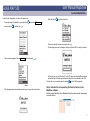
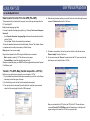
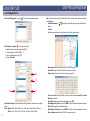
Move the pointer to the button Serial Load Program and confirm with
the function with
or cancel
. The following message will be displayed:
On the PC
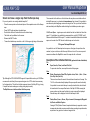
- Start the MapShow program
- Select the “Program” command from the Transfer-PC➔GPS menu
Data transfer from the GPS to the PC (GPS➔PC)
This procedure lets you transfer way points, routes, track logs from the Map500 to the PC
Track Log or Waypoint / Route
- Click on Transfer and choose GPS➔PC. Click on Track Log or Waypoint and
Route.
- Enter a filename for the file coming from the GPS:
- Extension .TRL for Tracks
- Extension .WPR for Waypoint and Route
Now click on the Save button.
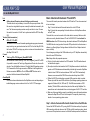
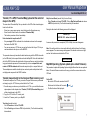
The following screen appears:
finished: xy%
As soon as the process is completed (100% fulfilled), the screen disappears.
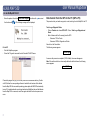
Note: If the cable is defect or not correctly attached to both interfaces, the following
screen appears:
check COM Port
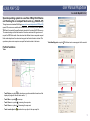
Choose the program file (e.g. V202ZA.bin) from the local hard disk directory. Confirm
with OK, before the new operating software is loaded the old version will be deleted
from the Map 500. After successful operating system update the MAP 500 automatically
turns off. If a problem should occur during transfer, stop MapShow, take out the batteries
from the Map 500 for a moment, insert them again and start the boot sequence once
more.
8