1
3.4.
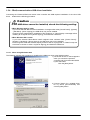
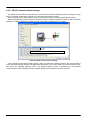
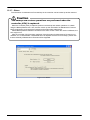
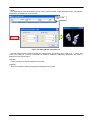
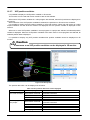
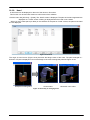
Notes to edit the workspace created by iQ Works(MELSOFT
Navigator)
Notes 4-1:
Do not change the composition
Works(MELSOFT Navigator).
of
the
workspace
created
by
iQ
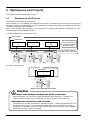
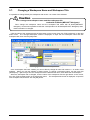
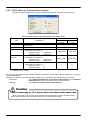
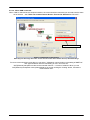
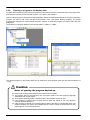
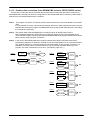
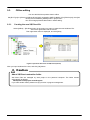
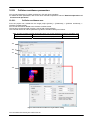
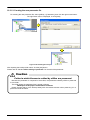
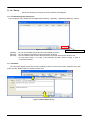
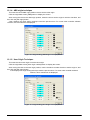
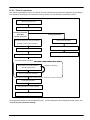
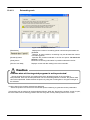
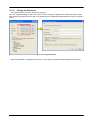
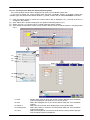
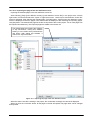
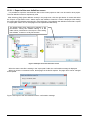
The composition (changing a workspace name, changing a title, adding a project, deleting a project
or changing a project name) of the workspace made with iQ Works(MELSOFT Navigator) cannot be
changed with RT ToolBox2 started from iQ Works(MELSOFT Navigator). These information can be
edited with RT ToolBox2 started directly by the start menu etc. However, it becomes impossible to take
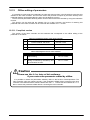
the correspondence in iQ Works(MELSOFT Navigator) when these information is changed. Please do
not change the composition (changing a workspace name, changing a title, adding a project, deleting a
project or changing a project name) of workspace when editing them with RT ToolBox2 started directly.
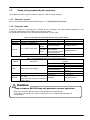
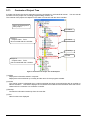
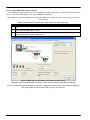
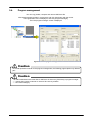
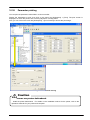
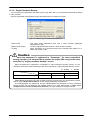
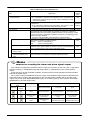
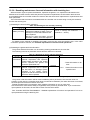
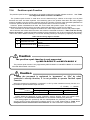
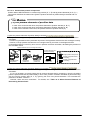
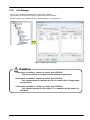
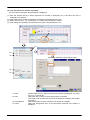
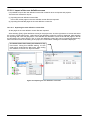
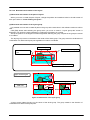
Prohibited matter in RT ToolBox2 started directly
Workspace
・ Change the workspace name.
・ Change the title.
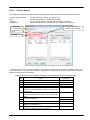
Project
・ Add a project
・ Import a project
・ Delete a project
・ Change the project name
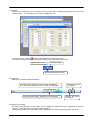
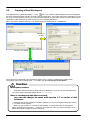
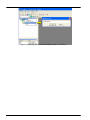
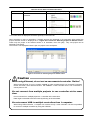
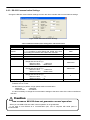
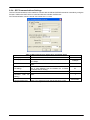
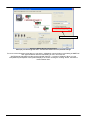
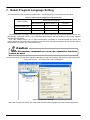
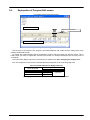
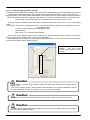
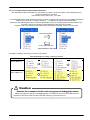
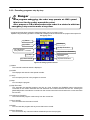
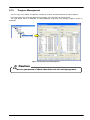
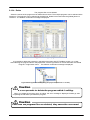
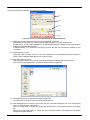
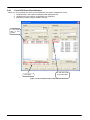
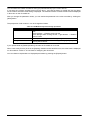
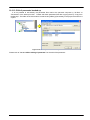
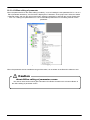
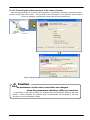
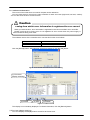
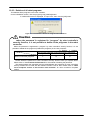
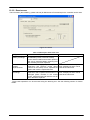
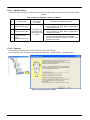
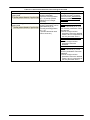
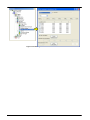
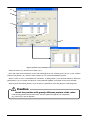
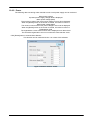
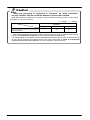
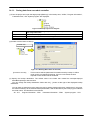
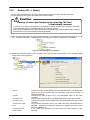
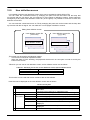
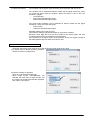
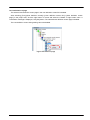
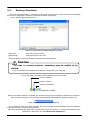
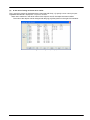
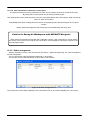
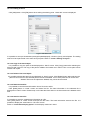
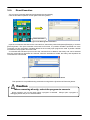
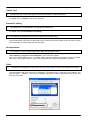
The workspace name made with iQ Works (MELSOFT Navigator) is set as follows. Please note the
handling of this workspace.
Workspace name
3-49
RT Workspace
This is fixation.
3-49