1
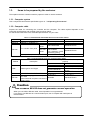
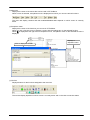
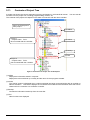
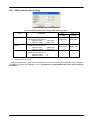
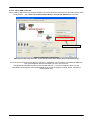
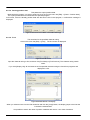
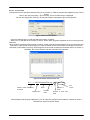
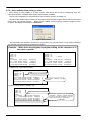
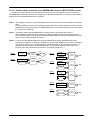
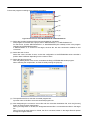
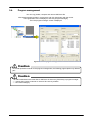
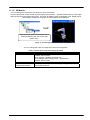
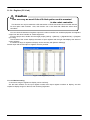
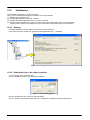
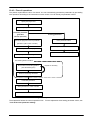
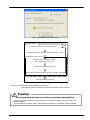
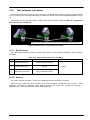
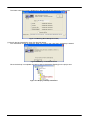
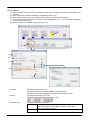
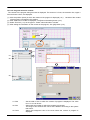
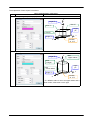
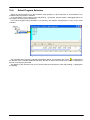
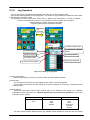
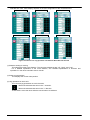
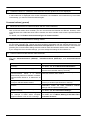
12.5.3. Flow of operations
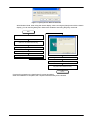
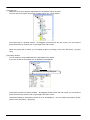
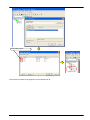
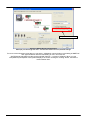
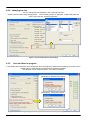
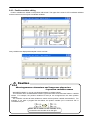
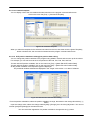
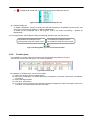
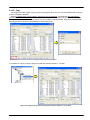
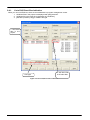
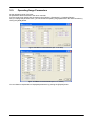
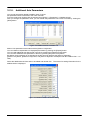
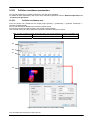
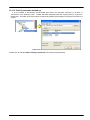
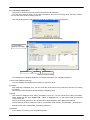
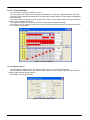
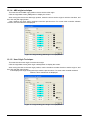
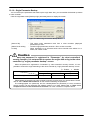
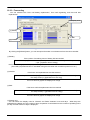
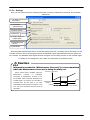
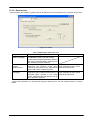
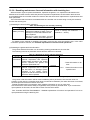
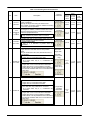
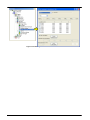
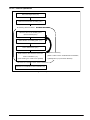
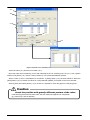
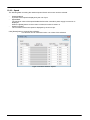
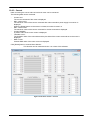
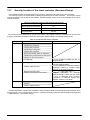
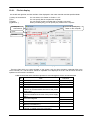
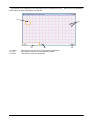
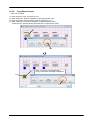
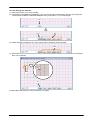
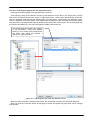
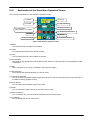
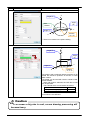
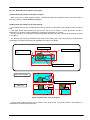
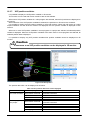
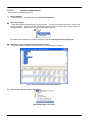
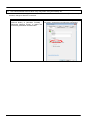
Select the target robot (<a>)
Select the tool number for setting (<b>)
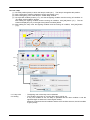
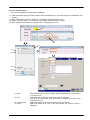
Re-teaching Work Procedure
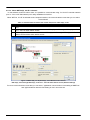
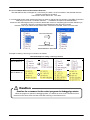
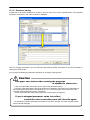
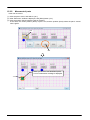
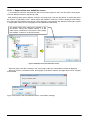
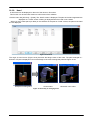
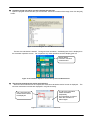
Move the robot to the auxiliary point
(Use the teaching box)
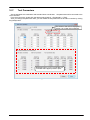
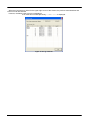
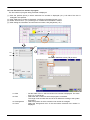
Select the line of “Auxiliary point” (<c>)
Teach selection line (<d>)
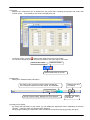
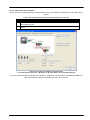
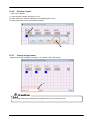
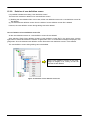
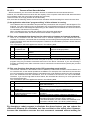
Enter checks to the check box of the line
used to calculation (<c>)
(After teaching, the check box is updated)
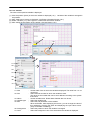
Repeat as necessary
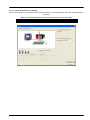
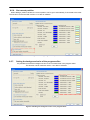
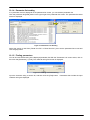
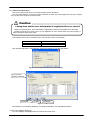
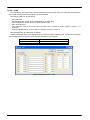
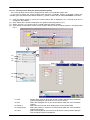
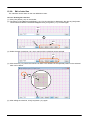
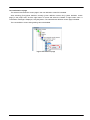
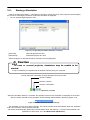
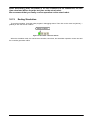
(When a value is set to “Calculated tool coordinate”,
a [Write] button (<e>) becomes effective)
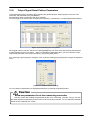
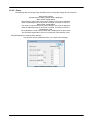
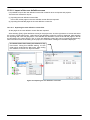
Write the tool coordinate to robot controller (<e>)
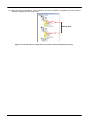
Figure 12-38 Operation Flow
12-261
12-261