1
9. DeviceNet-Manager
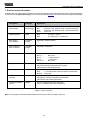
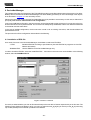
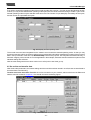
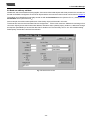
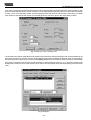
By double-clicking onto the SPS symbol, the following dialog for setting the master parameters is accessed. For the
application in the example, the settings can be integrated and stored in a file (in this case: Node_0.sm4).
Fig. 9.10 Parameterise Master
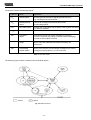
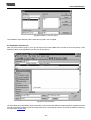
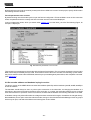
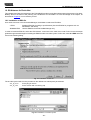
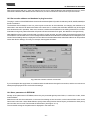
On actuation of the Edit Scan List... button, the Scan List Editor appears. As no subscriber has been added to the scan
list as yet, an empty window is displayed.
Fig. 9.11 Scanlist of the master
- 29 -