1
Saving current position as a waypoint
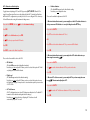
There are two fast and easy ways to save your current coordinates to your waypoints list.
1. Simply create a new waypoint
Every time you create a waypoint, the Element offers you its current position as the
default coordinates. You can instantly save your current position as a waypoint by simply
using the OK key to confirm this default waypoint information. Your position will be
stored as a new waypoint with a name comprised of two numbers that represent the date
and time you created the waypoint:
Ex: 220415 152845 is a waypoint created on 22 April 2015 at 15 h 28 min 45 s (local time).
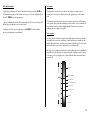
2. Use the Info key
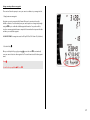
When you call up the Info page by pressing , you can then use OK to automatically
save your current location to the waypoints list. The same format is used for the waypoint
name.
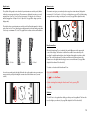
Press
.
You will see the prompt Pos
WP. Press OK.
21