1
2 Quick Start
2.1 Start Simply - Step by Step to Creating your own DRT 2 Configuration
Doepke
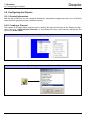
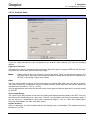
function.Therefor, some so-called „temperature programmes“ are at your disposal, which you may insert
on two ways:
a. By inserting with the right mouse button („Add“)
b. By the command
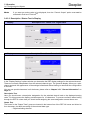
Note:
Not always all programmes are available: The availability depends on the place where you try
to insert the programme and if it already has been utilized (many programmes may only be
configured once).
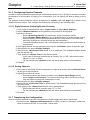
2.1.5.2 Configuring Thermostat Channels (Objects)
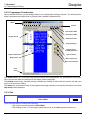
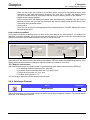
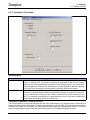
To configure the DRT to be a thermostat you require one of the programmes „Heating Setpoint“ or „Cooling Setpoint“ in any case. The configuration is similar for both programmes:
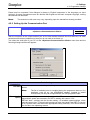
Dupline Address
(Relay for Valve)
Displayed Text
Lowest adjustable value
Key / PIN lock
Default value (e.g. after reset)
Highest adjustable value
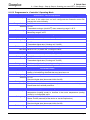
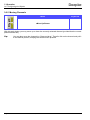
The following programmes are available:
Page 5
Novmber 2009, Version 1.40
DRTconf User Manual