1
2 Quick Start
2.1 Start Simply - Step by Step to Creating your own DRT 2 Configuration
Doepke
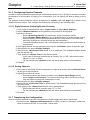
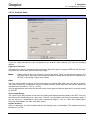
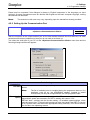
2. For the transfer select the command <Display><Download> in the menu and press this button:
2.1.8 Saving the Configuration
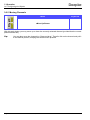
Last of all, you should now save your work so that you may change it later or use it for other projects. For
this purpose select <File><Save ...> or <File><Save as ...> or press this button
Page 9
Novmber 2009, Version 1.40
DRTconf User Manual