1
4-26
INSTALLATION
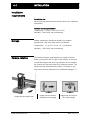
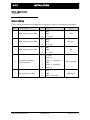
Monitor setup
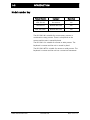
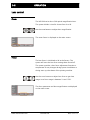
Temperature
Refer to your monitor's user manual.
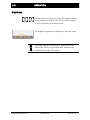
Brightness
Monitor
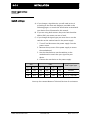
Use the default brightness setting or adjust to 100.
VEO 600 system
Optimal brightness is 42-50.
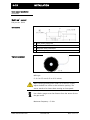
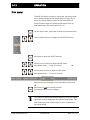
Aspect ratio
An aspect ratio of 4:3 or 16:10 is best to display the
inspection image.
An aspect ratio of 16:9 will cut out some parts of the image.
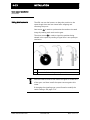
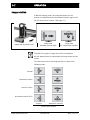
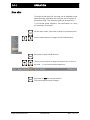
To change the aspect ratio
Press DEFAULT and ZOOM together for three seconds.
The system will cycle through the aspect ratios 4:3, 16:10,
and 16:9.
www.maxcessintl.com
Fife VEO 600
MI 2-272 1 A