1
5-12
OPERATION
CMYK value
detection
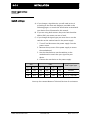
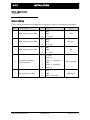
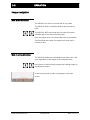
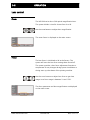
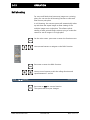
On the main screen, press MENU to enter the function menu.
Use UP/DOWN buttons to navigate to the CMYK function.
Press MENU to enter the CMYK function.
R
G
B
C
M
Y
K
8
50
39
145
104
114
102
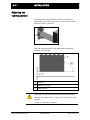
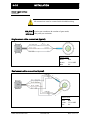
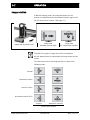
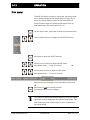
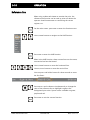
When in the CMYK function, the analysis data zone appears
in the upper right of the screen.
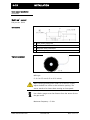
The green cursor on the screen is the sampling box. The
RGB/CMYK data of the color inside the box is displayed in
the analysis data zone.
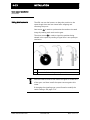
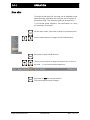
Use directional buttons to move the sampling box around
on the screen. Press the button for at least two seconds to
move the sampling box faster.
: Move
ENTER: Exit
Press MENU to exit the current function.
www.maxcessintl.com
Fife VEO 600
MI 2-272 1 A