1
Camera and Gallery
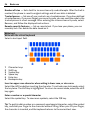
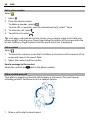
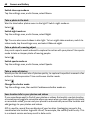
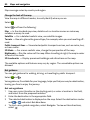
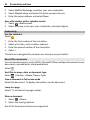
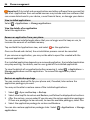
Apply an effect
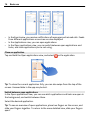
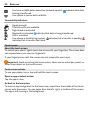
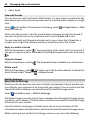
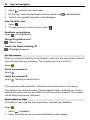
Select a photo, tap the screen to show the toolbar, and select
desired option. The changes you make are saved automatically.
75
> Edit and the
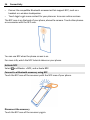
You can undo or redo changes even after closing Gallery or restarting the phone.
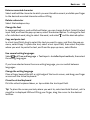
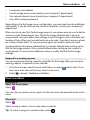
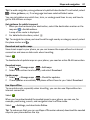
Undo or redo an effect
or .
Select
To view your edited photos, select
.
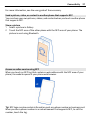
Reset to original
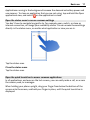
Select the photo, tap the screen to show the toolbar, and select
to original.
> Edit > Reset
Video editor
Edit your videos
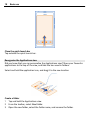
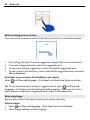
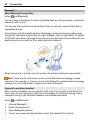
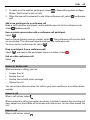
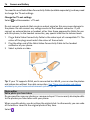
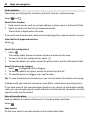
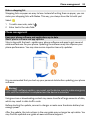
Cut and trim your videos down to the essentials.
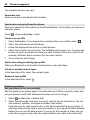
Select
and a video.
1
2
3
> Edit.
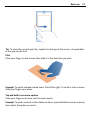
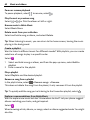
Tap the screen to show the toolbar, and select
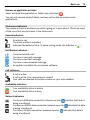
Drag the handles to mark the start and end of your video.
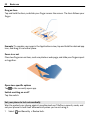
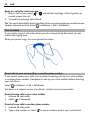
To add music to your video, select .
4
5
To preview your video, select .
To save your video, select Done.
If you try to send a video in a multimedia message, and the file size or length exceeds
the allowed limit, the video editor opens automatically.
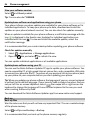
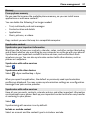
View your photos and videos wirelessly on your home entertainment system
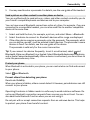
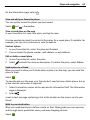
You can stream photos and videos on your phone to another device that supports
DLNA, such as a TV.
Before starting, make sure your network setup is correct. See "About streaming your
media files", p. 35.
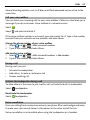
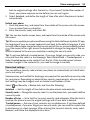
1
and Device > Media
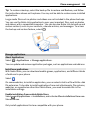
If needed, switch the media sharing server on. Select
sharing settings > Media sharing > On.
To later access the media sharing server from the status menu, switch Always
show Media sharing in status menu to On.