1
Browser
OPTION
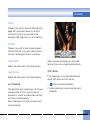
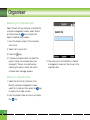
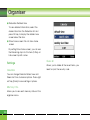
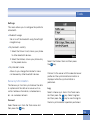
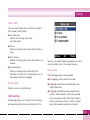
Press the left soft key [Options] to display the
following popup menu items.
1. Mute/unmute : mute/unmute the sound
temporally
2. Video Size: Normal/Landscape (for normal
video) or Normal/Zoom/Landscape (for small
size video)
3. Content Info
: Shows information about the current
content provided by streaming server
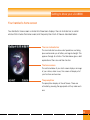
Normal Streaming
Normal streaming is very similar to live
streaming. To enjoy with this , you must launch
browser, access to entertainment services and
select the normal streaming menu like as news,
stock, music, weather etc.
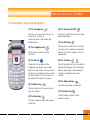
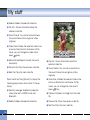
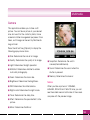
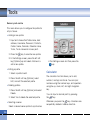
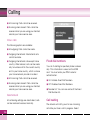
VCR Control
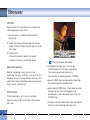
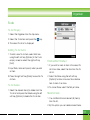
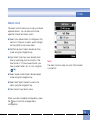
If the streaming is not in live, the mobile
terminal shows VCR control skin with current
play time
76
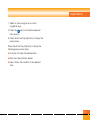
1.
: Play and Pause alternately.
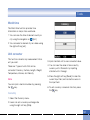
2. Navigation left/right key: You can go
forward/back with this key more rapidly.
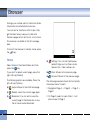
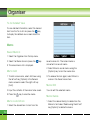
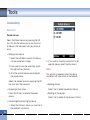
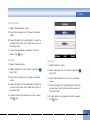
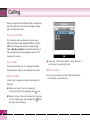
The following example shows the
functionality of streaming menu “FF/REW”
Apress FF/REW Key during playing streaming,
the mobile terminal paused video.
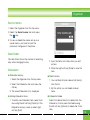
Apress more FF/REW Key , the mobile terminal
display the new time and progress bar
immediately. ( user can select new time with
FF/REW Key )
Aif there is no press Key more, then the mobile
terminal start streaming with new time.