1
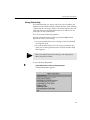
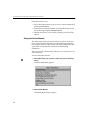
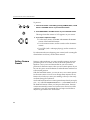
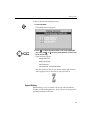
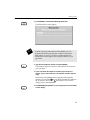
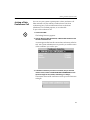
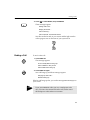
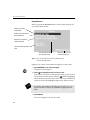
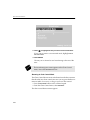
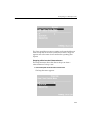
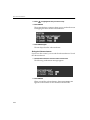
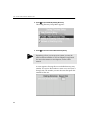
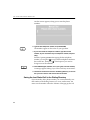
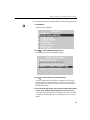
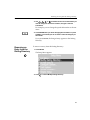
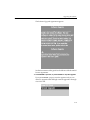
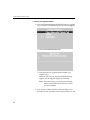
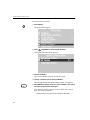
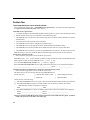
!!! ! ! ! !! !! ,C.)5+&'.!/*,)!3/3(14 \'!.K$)PE!.'@)K8+/!J/+.$'4.b 1. Press SETUP. SETUP \E/!,/)(7!>/4(!877/8+." 2. Press and ENTER to choose Update Software. \E/!B738)/!,'@)K8+/!>/4(!877/8+." 3. Choose Set Version. B7!)'!)K'!8J8$98&9/!.'@)K8+/!J/+.$'4.!8+/!9$.)/3" 4. Choose a software version and press ENTER. \E/!0/..85/!Change from Version XXX to Version YYY!877/8+." ENTER 5. Press ENTER to change versions or press CANCEL!if you want to leave the current version unchanged. *'(+!.-.)/0!.K$)PE/.!.'@)K8+/!J/+.$'4."