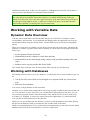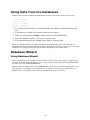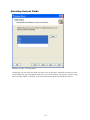
1
Designing Labels
Using Label Setup Wizard
Using Label Setup Wizard
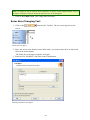
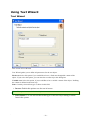
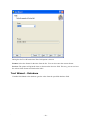
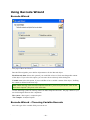
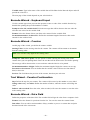
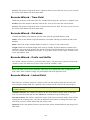
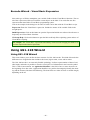
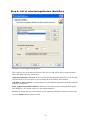
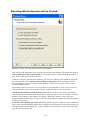
Label Setup Wizard offers defining dimensions of the label and changing p rinter setup. It consists of a few simple steps. Click on the Related Topics button for more information.
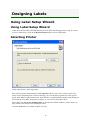
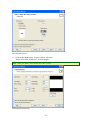
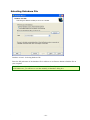
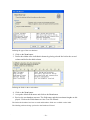
Selecting Printer
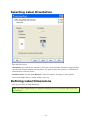
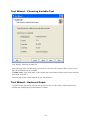
Label setup Wizard - Selecting printer
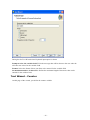
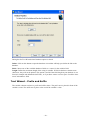
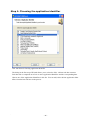
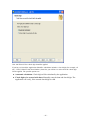
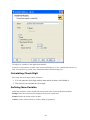
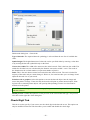
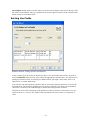
Select desired printer and optionally click Properties b utton if you want to set the printer parameters. Print setup dialog box i s shown, allowing you to set the printer parameters such as print speed, p rint darkness and print direction. Note that this is standard Widows p rinter setup dialog box and its options may differ from printer to printer a s it is based on the printer driver.
If the check box Always use default printer is checked, the default window's printer and its settings w
ill be used always when opening this label.
Click the Next button to continue w
ith the next step.
- 11 -