1
Table of Contents
Table of Contents
Introduction
Welcome to NiceLabel
About this Manual
About this Manual
Typographical Conventions
Setting Up the Software
User Interface
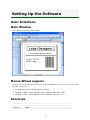
Main Window
Mouse Wheel support
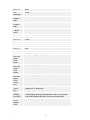
Shortcuts
Using the Keyboard and Mouse Effectively
System folder
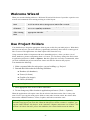
Welcome Wizard
Use Project Folders
Designing Labels
Using Label Setup Wizard
Using Label Setup Wizard
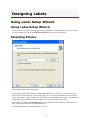
Selecting Printer
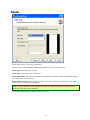
Stock
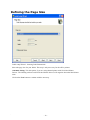
Defining the Page Size
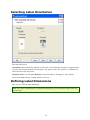
Selecting Label Orientation
Defining Label Dimensions
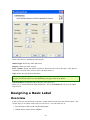
Designing a Basic Label
Overview
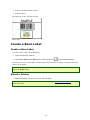
Create a Basic Label
Create a New Label
Select a Printer
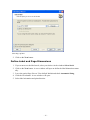
Define Label and Page Dimensions
Enter Non-Changing Text
Insert Barcodes
Insert Pictures
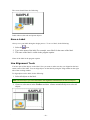
Save a Label
Use Alignment Tools
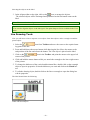
Use Drawing Tools
2
5
5
5
5
5
6
6
6
6
6
8
8
9
9
11
11
11
11
12
13
14
14
15
15
16
16
16
17
19
20
21
22
22
23
Add Variable Fields
24
Overview
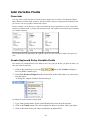
Create Keyboard Entry Variable Fields
Create Serialized Data Variable Fields (Counters)
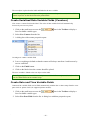
Create Date and Time Variable Fields
Use Prefix or Suffix Options
Change Printer Settings
Change Common Printer Settings
Change Dithering Options
Using Toolbars
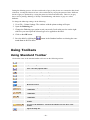
Using Standard Toolbar
24
24
25
25
26
27
27
27
28
28
-2-