1
ADVANCED KEYING
21
Screen Colour
ADVANCED KEYING
The following section describes the parameters you need to
fine tune keys and get the most out of Keylight. Basic
parameters covered in the previous chapter may also be
covered here in more detail.
Screen Colour
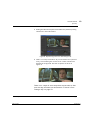
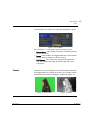
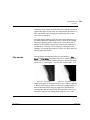
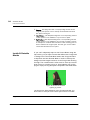
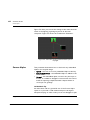
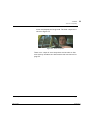
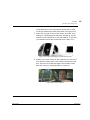
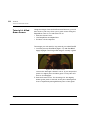
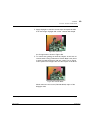
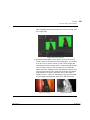
The screen colour represents the colour of the pure blue (or
green) screen. The first thing you should do when pulling a
key is pick the Screen Colour. This single colour has a
primary component, blue or green, and that has a saturation.
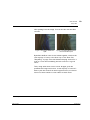
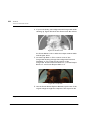
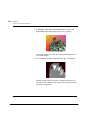
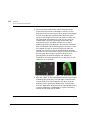
Once the screen colour has been picked, Keylight analyses all
the pixels in the image and compares the saturation of the
primary component in each of these pixels with the
corresponding saturation of the screen colour, setting the
alpha and modifying the colour accordingly.
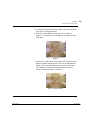
Tip
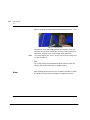
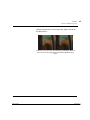
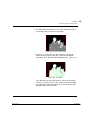
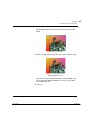
Picking different shades of blue or green from the
background can give quite different results. It’s worth
experimenting with different screen colours if your initial
pick didn’t give a good key.
The Foundry
The Foundry
Keylight
Tinder Box1