1
7
Calibrating the Autosampler’s XYZ Robot
Managing Plate Formats
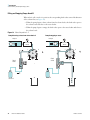
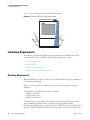
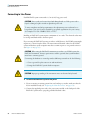
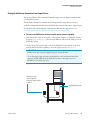
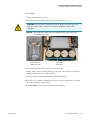
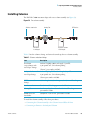
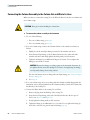
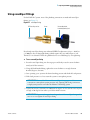
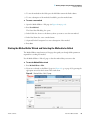
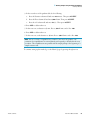
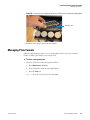
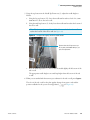
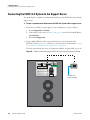
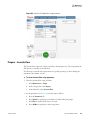
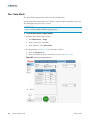
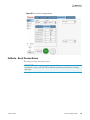
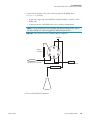
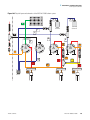
Figure 78. Removing the vial adapter plate before installing the microwell plate adapter plate
Mounting stud
4. Install the other adapter plate in the autosampler.
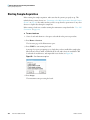
Managing Plate Formats
Follow the appropriate procedure to use an existing plate format, create your own plate
format, or delete a plate format you no longer need.
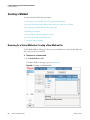
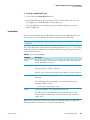
Y To create a new plate format
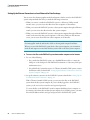
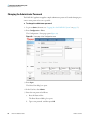
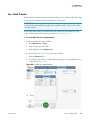
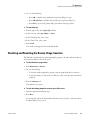
1. Open the Tools view for the autosampler as follows:
a. Press Maintenance > Devices.
b. In the Devices list, select the autosampler device.
c. Press the Tools tab.
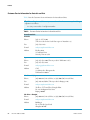
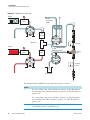
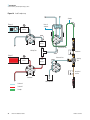
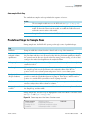
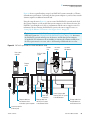
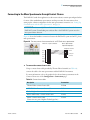
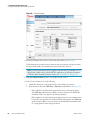
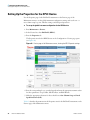
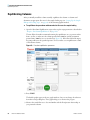
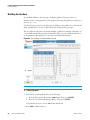
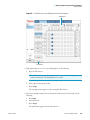
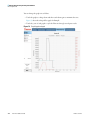
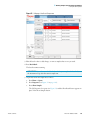
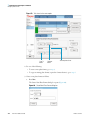
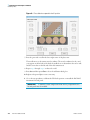
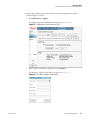
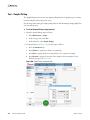
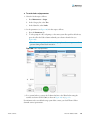
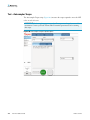
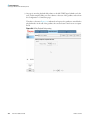
Figure 79 shows the Tools view for the autosampler.
Thermo Scientific
EASY-nLC 1000 User Guide
121