1
4
Configuring the EASY-nLC System
Modifying User Permissions
Changing the Administrator Password
The EASY-nLC application supplies a simple administrator password. Consider changing it to
a more secure password as soon as possible.
Y To change the administrator password
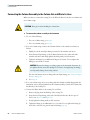
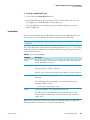
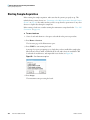
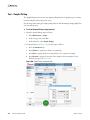
1. Log in as admin (otherwise, see “Logging In to the EASY-nLC System” on page 57).
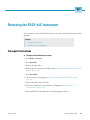
2. Press Configuration > Users.
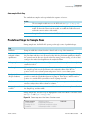
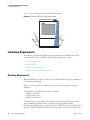
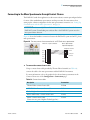
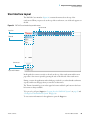
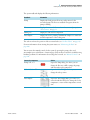
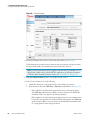
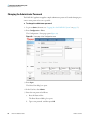
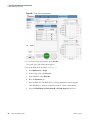
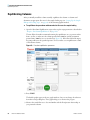
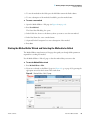
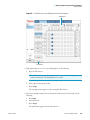
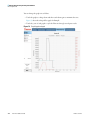
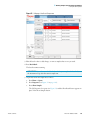
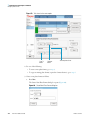
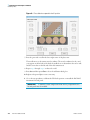
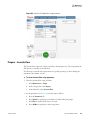
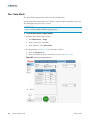
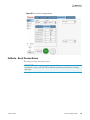
The Configuration > Users page opens (Figure 39).
Figure 39. Users page of the Configuration menu
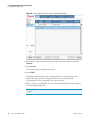
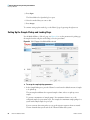
3. Press Open.
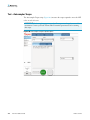
The Select User dialog box opens.
4. In the User list, select Admin.
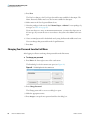
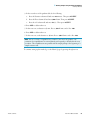
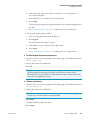
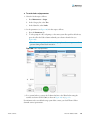
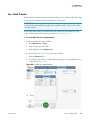
5. Enter the new password as follows:
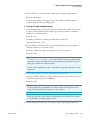
a. Press the Password box.
The Enter Password dialog box opens.
b. Type a new password, and then press OK.
64
EASY-nLC 1000 User Guide
Thermo Scientific