1
M380_UG.book Page 24 Thursday, March 31, 2011 3:22 PM
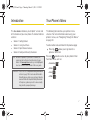
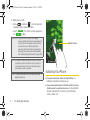
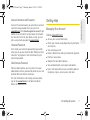
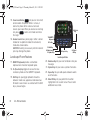
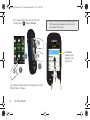
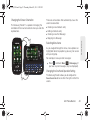
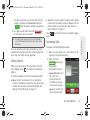
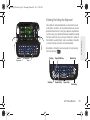
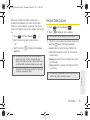
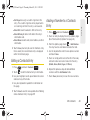
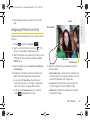
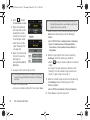
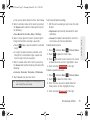
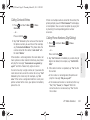
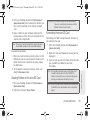
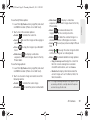
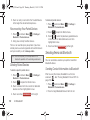
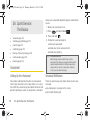
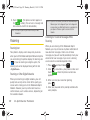
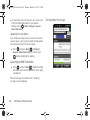
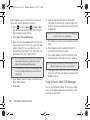
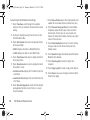
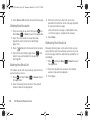
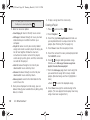
As an example, when the Right Handed option is
selected, the Power Search tab is located along the
right side of the screen and Contacts entries are then
selected by pressing their name fields along the left
side of the display screen.
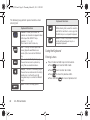
Touch Left Handed (to place the Power Search tab
along the left of the screen).
Adjusting Numeric Entries
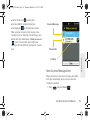
There are several pages where you’ll be asked to make
a field selection and then enter a new value. This
adjustment can be done by either activating numeric
character lines or by using a rotating time field
(up/down selection or quickly sliding) by using your
fingertip.
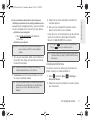
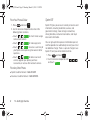
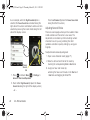
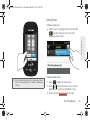
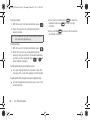
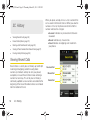
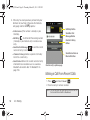
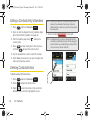
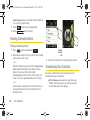
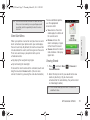
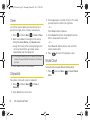
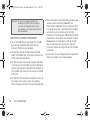
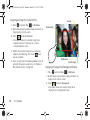
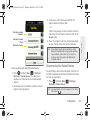
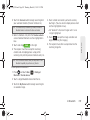
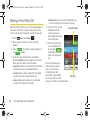
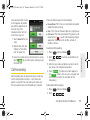
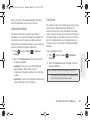
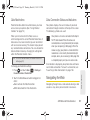
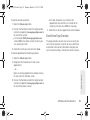
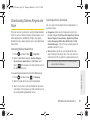
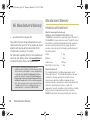
To adjust numeric values by using reels:
1. Open a new Calendar event (page 71).
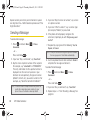
2. Select a start and end time for the event by
touching the corresponding Start or End fields.
Power
Search
tab
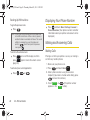
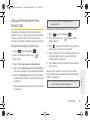
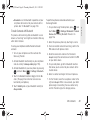
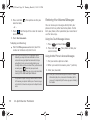
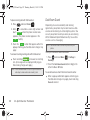
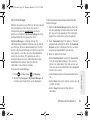
1. Press
and touch Main (
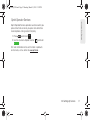
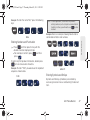
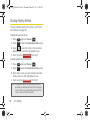
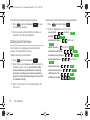
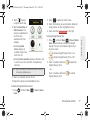
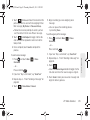
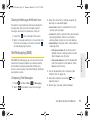
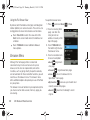
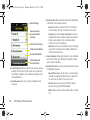
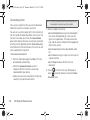
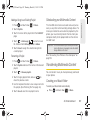
3. Assign an hour and minute by:
䡲
Main
) > Settings >
General > One Hand Operation.
2. Touch either Right Handed (to place the Power
Search tab along the right of the display screen)
– or –
24
2A. Phone Basics
Entering the hours and minutes in the Start and
End fields and toggling to AM or PM.