1
M380_UG.book Page 45 Thursday, March 31, 2011 3:22 PM
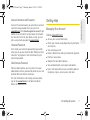
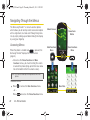
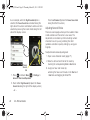
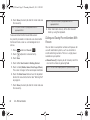
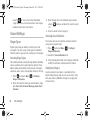
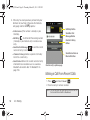
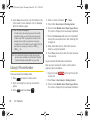
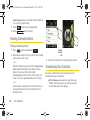
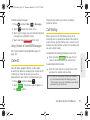
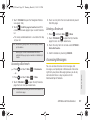
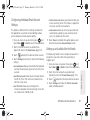
toggle it to the Off position. Read the disclaimer
message. Touch OK.
4. Once you are done, press
.
Messaging Settings
Your phone’s advanced messaging capabilities let you
send and receive many different kinds of text
messages without placing a voice call. (For more
information, see “Accessing Messages” on page 129.)
Messaging settings make text messaging easier by
letting you decide how you would like to be notified of
new messages.
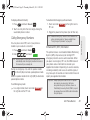
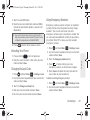
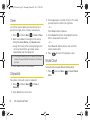
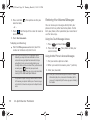
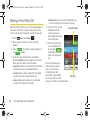
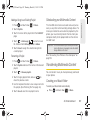
Deleting Old Messages
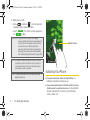
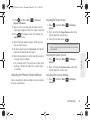
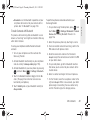
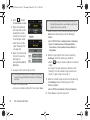
2. Touch
and touch Main (
slider right to
confirm the deletion.
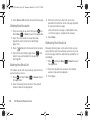
Note: Messages can also be deleted by touching and
holding the selected message until it detaches from the
list, dragging it over the Delete icon, and then lifting your
finger to release it into the Trash Bin.
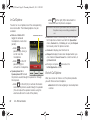
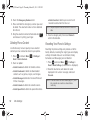
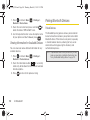
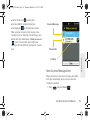
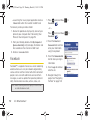
Airplane Mode
Airplane Mode allows you to use many of your phone’s
features, such as Camera and Notes, when you are in
an airplane or in any other area where making or
receiving calls or data is prohibited. When you set your
phone to Airplane Mode, it cannot send or receive any
calls or access online information.
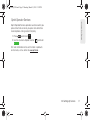
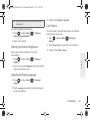
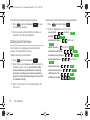
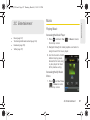
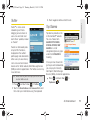
1. Press
and touch Main (
Main
) > Settings >
General.
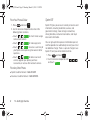
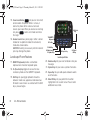
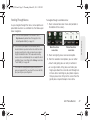
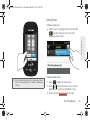
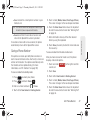
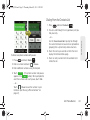
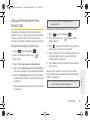
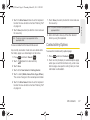
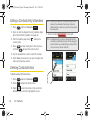
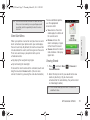
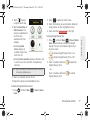
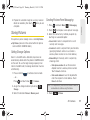
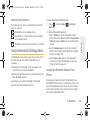
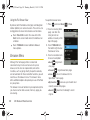
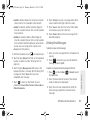
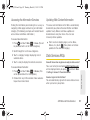
To delete selected messages:
1. Press
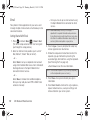
4. Touch and drag the Delete Selected
Main
) > Messaging.
to open the Delete menu.
3. Touch those messages you wish to delete.
Selected messages are then highlighted in blue.
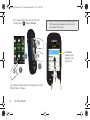
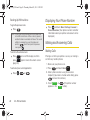
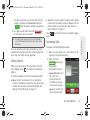
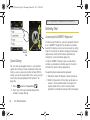
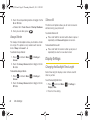
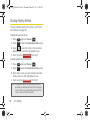
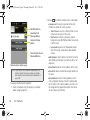
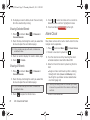
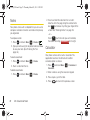
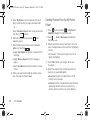
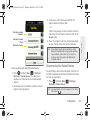
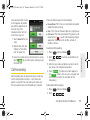
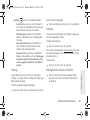
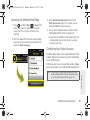
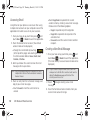
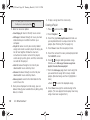
2. Touch the Airplane Mode button to toggle it to
either the On or Off state.
3. Read the onscreen message and touch OK to
continue.
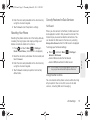
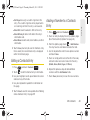
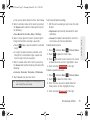
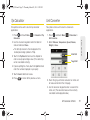
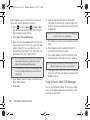
While in Airplane Mode, your phone’s standby screen
will display “Phone Off.”
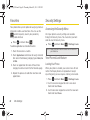
2B. Settings
45
Settings
3. To turn off the Location feature, touch the button to