1
Managing Configurations
You can use Intel® RAID Web Console 2 to manage the configurations that you create. For
example, you can save a storage configuration that you have defined on a controller and load
this configuration from the disk to another controller, after first clearing the existing
configuration from that controller. In order to do this, you must be logged on to the system in
All Access mode. This section explains how to do these tasks.
Saving a Configuration to Disk
You can save an existing controller configuration to a file so you can apply it to another
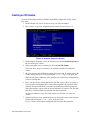
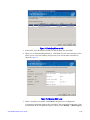
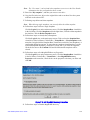
controller. To save a configuration file, follow these steps:
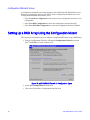
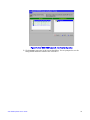
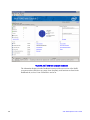
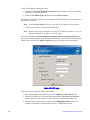
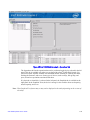
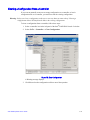
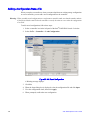
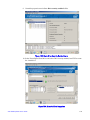
1. Select a controller icon in the left panel of the Intel® RAID Web Console 2 window.
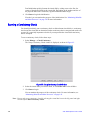
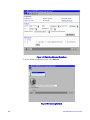
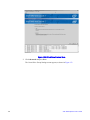
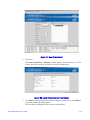
2. Select Go To -> Controller -> Save Configuration.
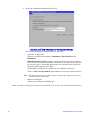
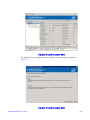
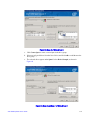
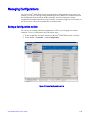
Figure 77. Save Configuration to File
Intel® RAID Software User’s Guide
129