1
Media
User Guide
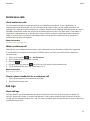
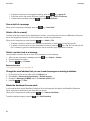
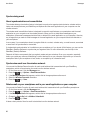
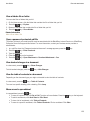
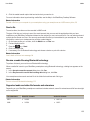
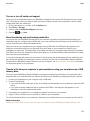
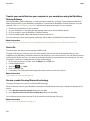
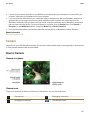
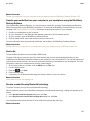
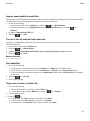
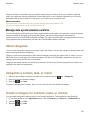
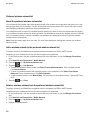
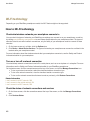
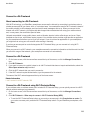
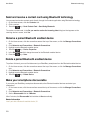
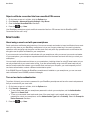
Receive a media file using Bluetooth technology
To perform this task, you must turn on Bluetooth® technology.
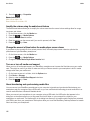
When a media file is sent to your BlackBerry smartphone using Bluetooth technology, a dialog box appears on the
screen.
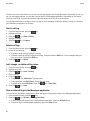
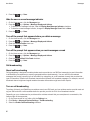
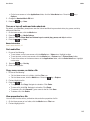
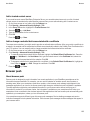
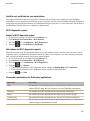
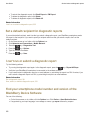
1. In the Accept connection request dialog box, click Yes.
2. In the Do you want to receive the incoming data dialog box, click Yes.
Your smartphone stores each received file in the folder that matches each file's type.
Related information
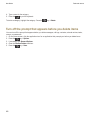
Turn on or turn off Bluetooth technology, 271
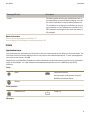
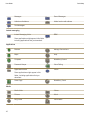
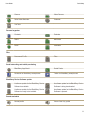
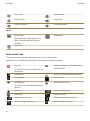
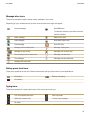
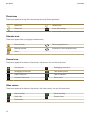
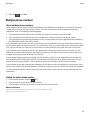
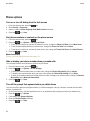
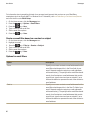
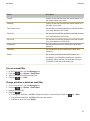
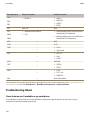
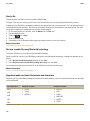
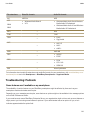
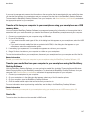
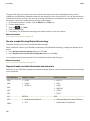
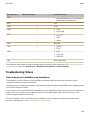
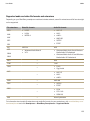
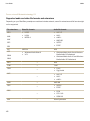
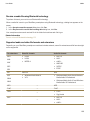
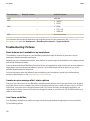
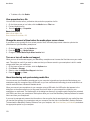
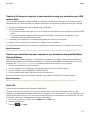
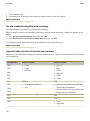
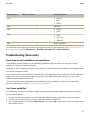
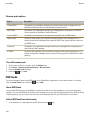
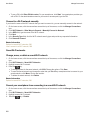
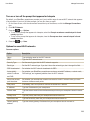
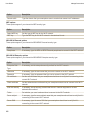
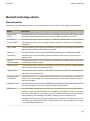
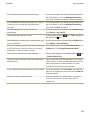
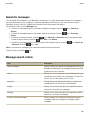
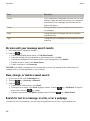
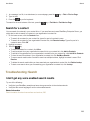
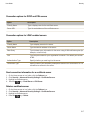
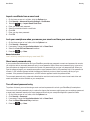
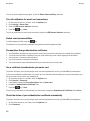
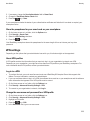
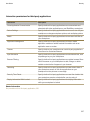
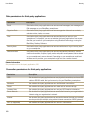
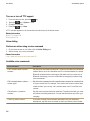
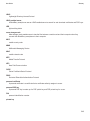
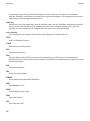
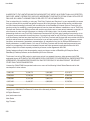
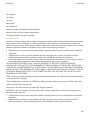
Supported audio and video file formats and extensions
Depending on your BlackBerry smartphone model and wireless network, some file extensions and file formats might
not be supported.
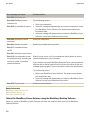
File extensions
Video file formats
Audio file formats
MP4
•
•
•
•
•
•
•
•
•
M4A
M4V
H.263
H.264
MPEG-4
3GP
3G2
AAC-LC
AAC+
eAAC+
AMR-NB
QCELP
EVRC
AVI
MPEG-4
MP3
ASF
•
•
•
WMA
Windows Media Video 9
VC-1
•
WMV
Windows Media Audio 9 and Windows
Media Audio 9 Professional
Windows Media Audio 10 and Windows
Media Audio 10 Professional
MP3
—
MP3
FLAC
—
FLAC
—
•
•
FLAC
Ogg Vorbis
—
•
•
•
AAC-LC
AAC+
eAAC+
OGG
AAC
169