1
User Guide
Smart accessories
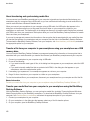
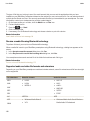
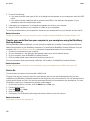
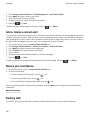
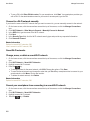
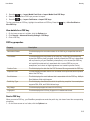
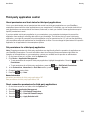
3. Click a dock profile.
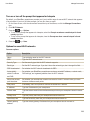
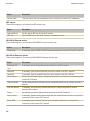
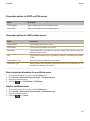
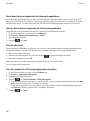
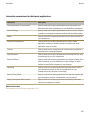
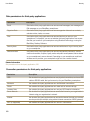
4. Change the dock settings.
5. Press the
key > Save.
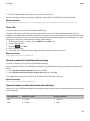
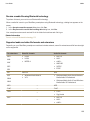
Delete a saved dock profile
1.
2.
3.
4.
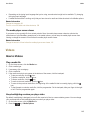
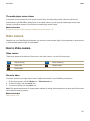
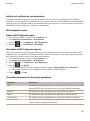
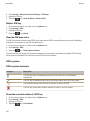
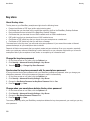
On the home screen or in a folder, click the Options icon.
Click Device > Smart Accessories.
Highlight a dock profile.
Press the
key > Delete.
281