1
3
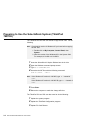
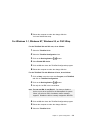
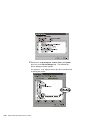
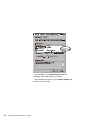
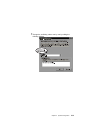
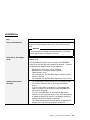
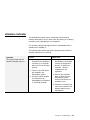
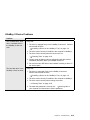
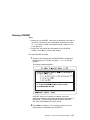
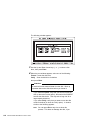
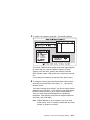
Double-click on My Computer, Control Panel, and System;
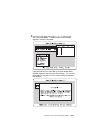
then click on the Device Manager tab. The Windows 95
Device Manager window appears.
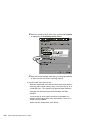
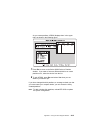
The symbol “!” or “x” appears next to the device symbol which
is causing the conflict.
3-10
IBM ThinkPad SelectaDock III User's Guide