1
AT-S62 User’s Guide
Displaying Port Security Levels
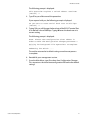
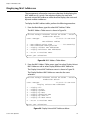
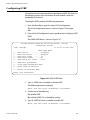
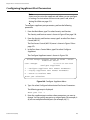
To view the current security levels for the ports on the switch, do the
following:
1. From the Main Menu, type 1 to select Port Configuration.
2. From the Port Configuration menu, type 5 to select Port Security.
The Port Security menu is shown in Figure 149 on page 458.
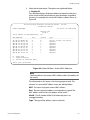
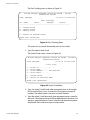
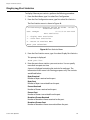
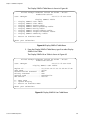
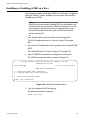
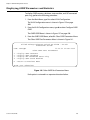
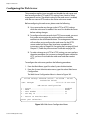
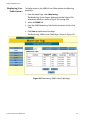
3. From the Port Security menu, type 2 to select Display Port Security.
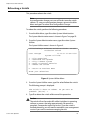
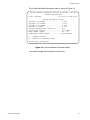
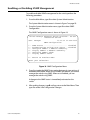
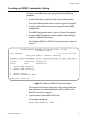
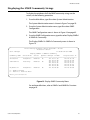
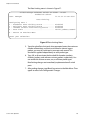
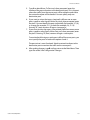
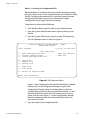
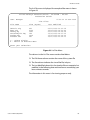
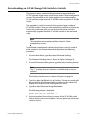
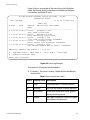
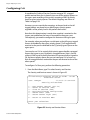
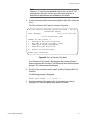
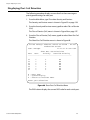
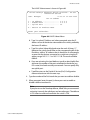
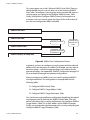
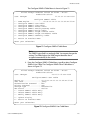
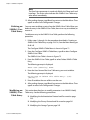
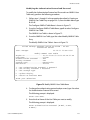
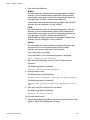
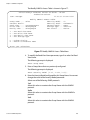
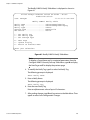
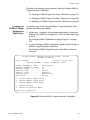
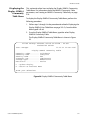
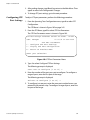
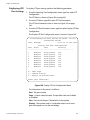
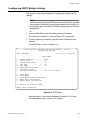
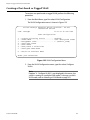
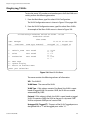
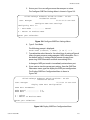
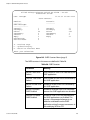
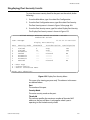
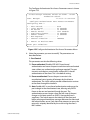
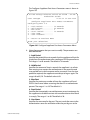
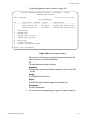
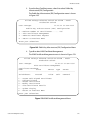
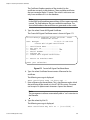
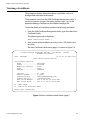
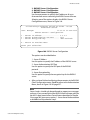
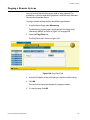
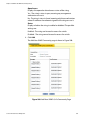
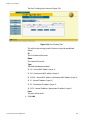
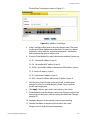
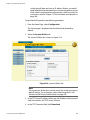
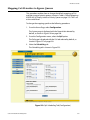
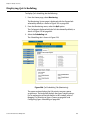
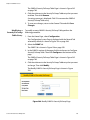
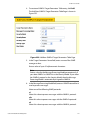
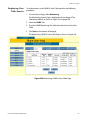
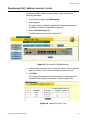
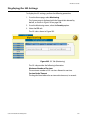
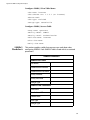
The Display Port Security menu is shown in Figure 152.
Allied Telesyn Ethernet Switch AT-8524M - AT-S62
Production Switch
User: Manager
11:20:02 02-Jan-2004
Display Port Security
Port Security Mode
Threshold
Intruder Action Participating
---------------------------------------------------------------1
Limited
6
Trap
Yes
2
Limited
10
Trap
Yes
3
Automatic
---------4
Locked
--Discard
No
5
Automatic
---------6
Automatic
---------7
Automatic
---------8
Secured
--Discard
No
N - Next Page
U - Update Display
R - Return to Previous Menu
Enter your selection?
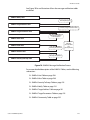
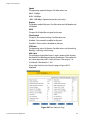
Figure 152 Display Port Security Menu
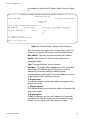
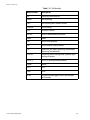
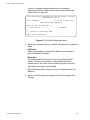
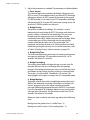
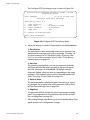
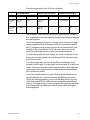
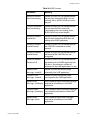
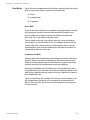
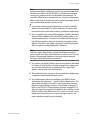
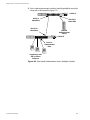
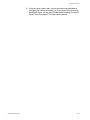
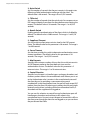
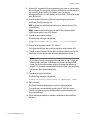
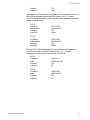
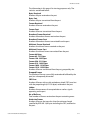
This menu is for viewing purposes only. The columns in the menu
are defined below:
Port
The number of the port.
Security Mode
The active security mode on the port.
Threshold
This column specifies the maximum number of dynamic MAC
addresses the port will learn. It only applies when a port is
operating in the Limited security mode.
Section VI: Port Security
461