1
Chapter 5 — Schedule API
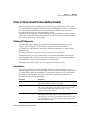
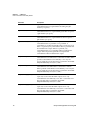
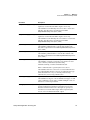
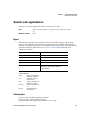
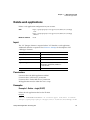
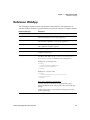
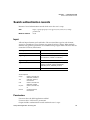
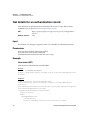
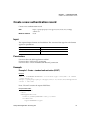
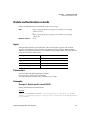
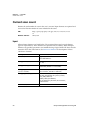
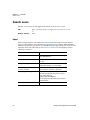
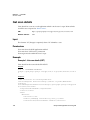
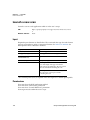
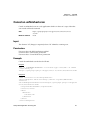
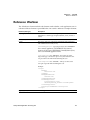
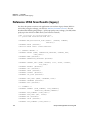
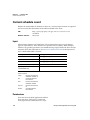
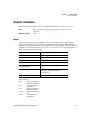
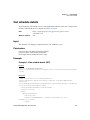
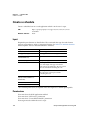
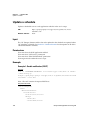
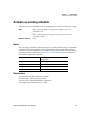
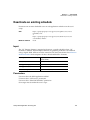
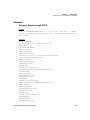
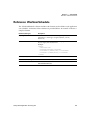
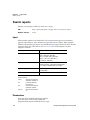
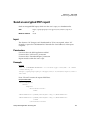
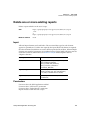
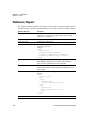
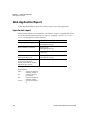
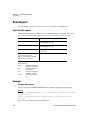
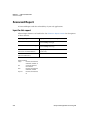
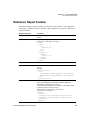
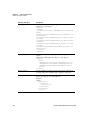
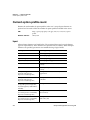
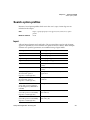
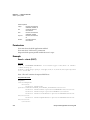
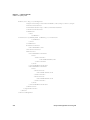
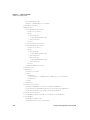
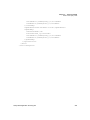
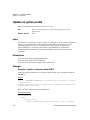
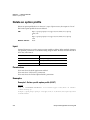
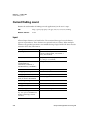
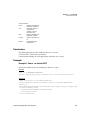
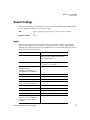
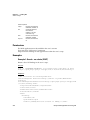
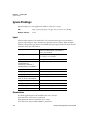
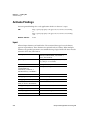
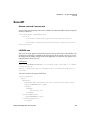
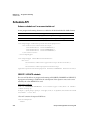
Reference: WasScanSchedule
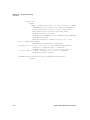
Element (data type)
Description
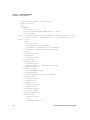
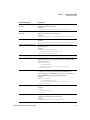
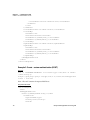
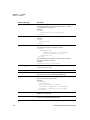
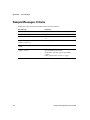
scheduling*
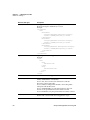
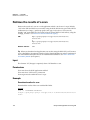
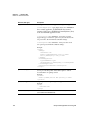
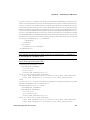
The schedule settings. <cancelAfterNHours> is the number of
hours after which the scan task will be cancelled. <cancelTime>
is the time at which a scan will be cancelled. <startDate> is the
date and time the scan will begin. <timeZone> is the time zone
that applies to the schedule. <occurence> defines frequency of
the task: SINGLE, DAILY, WEEKLY or MONTHLY.
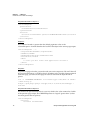
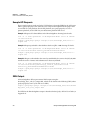
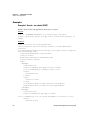
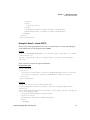
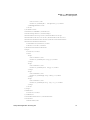
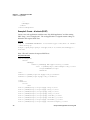
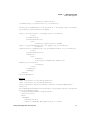
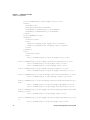
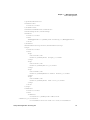
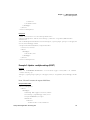
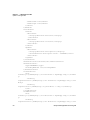
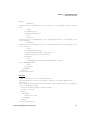
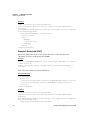
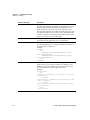
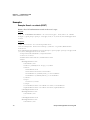
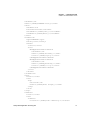
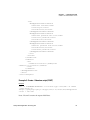
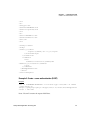
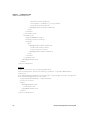
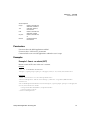
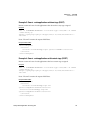
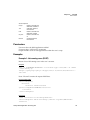
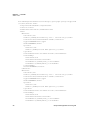
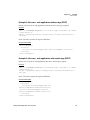
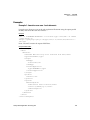
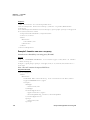
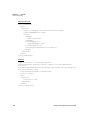
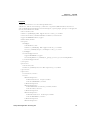
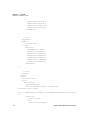
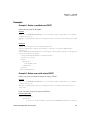
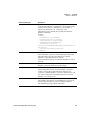
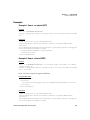
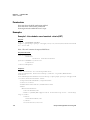
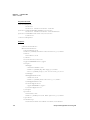
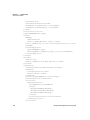
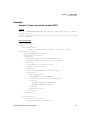
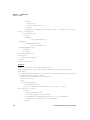
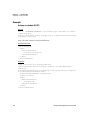
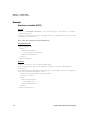
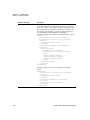
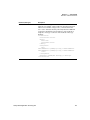
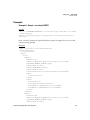
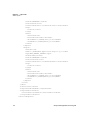
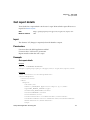
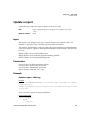
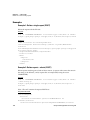
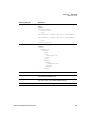
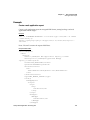
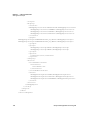
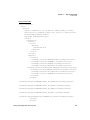
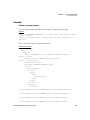
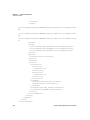
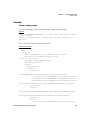
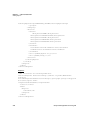
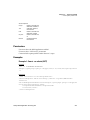
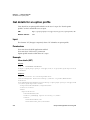
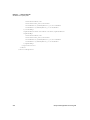
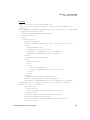
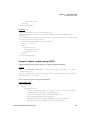
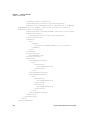
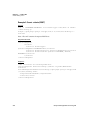
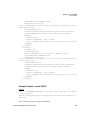
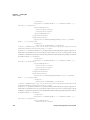
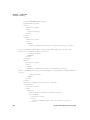
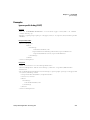
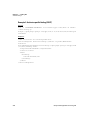
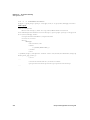
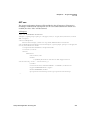
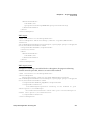
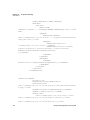
Example of weekly scan with the <cancelAfterNHours> option:
<scheduling>
<cancelAfterNHours>11</cancelAfterNHours>
<startDate>2012-02-02T10:10:00Z</startDate>
<timeZone>
<code>Europe/Paris</code>
</timeZone>
<occurrenceType>WEEKLY</occurrenceType>
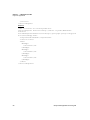
<occurrence>
<weeklyOccurrence>
<everyNWeeks>2</everyNWeeks>
<occurrenceCount>20</occurrenceCount>
<onDays>
<WeekDay>MONDAY</WeekDay>
<WeekDay>SATURDAY</WeekDay>
<WeekDay>SUNDAY</WeekDay>
</onDays>
</weeklyOccurrence>
</occurrence>
</scheduling>
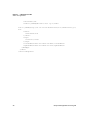
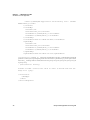
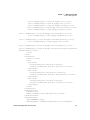
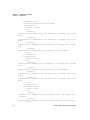
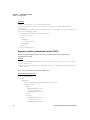
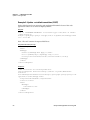
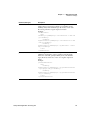
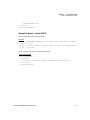
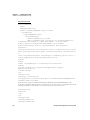
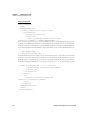
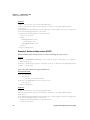
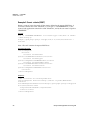
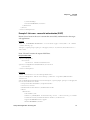
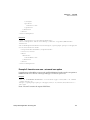
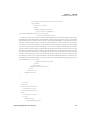
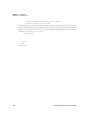
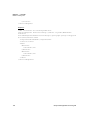
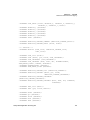
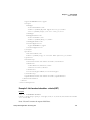
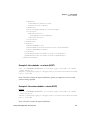
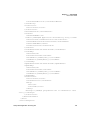
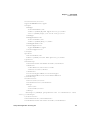
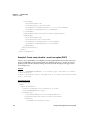
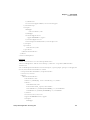
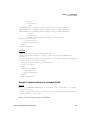
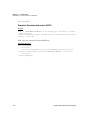
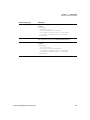
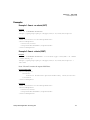
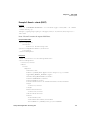
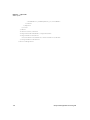
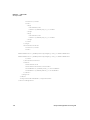
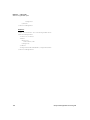
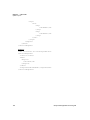
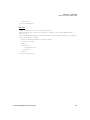
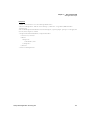
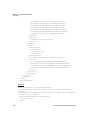
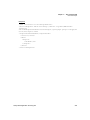
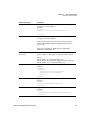
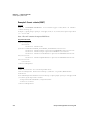
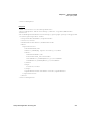
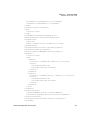
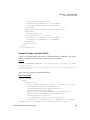
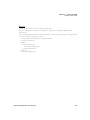
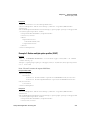
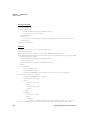
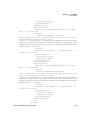
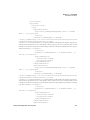
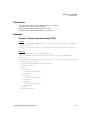
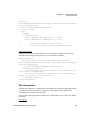
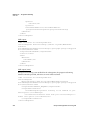
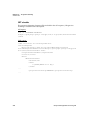
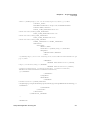
Example of single occurrence scan with the <cancelTime>
optton:
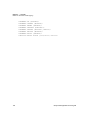
<scheduling>
<startDate>2012-02-02T10:10:00Z</startDate>
<timeZone>
<code>Europe/Paris</code>
</timeZone>
<occurrenceType>ONCE</occurrenceType>
<occurrence>
<cancelTime>11:15</cancelTime>
</occurrence>
</scheduling>
166
Qualys Web Application Scanning API