1
1.3. OVERVIEW
CHAPTER 1. INTRODUCTION
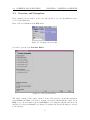
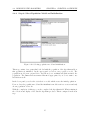
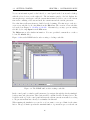
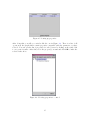
Then hit the Start button to start the simulation. When the stopping criterion is fulfilled,
the run ends and the next run starts, if multiple runs or batches have been created.
Please note that several options and commands are disabled when the algorithm is running.
To pause the algorithm and enable editing commands, hit the Suspend button to suspend
the current run. For further information about editing the current schedule, see Section 3.3:
Editing the Current Schedule.
In the information panel, the current time index is shown. By entering a different time index
or by using the navigation buttons in the control panel, you can skip back to past generations,
runs, and batches to watch a replay of the simulation at that point of time. To continue the
simulation, hit the Skip to End button and FrEAK continues creating new generations.
7